

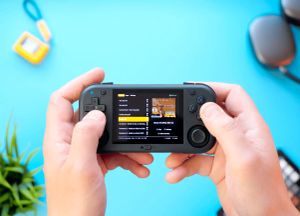
This $54 retro handheld looks cheap but feels premium. Great hardware, solid emulation, but Android without touch is a problem.
Beefy devices like the Steam Deck and ASUS ROG Ally are on the larger side of handhelds, being portable but not so pocketable. So, it’s no shock to actually crave something that’s easier to carry around. I’m the guy who would prefer my old iPhone 12 Mini over the newest models because of size alone.
With that in mind, the AMPOWN Magicx Mini Zero 28 hits all the right spots, albeit in a very specific niche. On receiving this Android-based handheld I didn’t know what to expect, mainly because the $54 price tag doesn’t scream ‘premium device’ at all. Lo and behold, I couldn’t have been more mistaken.
Inconspicuous, yet kinda Premium
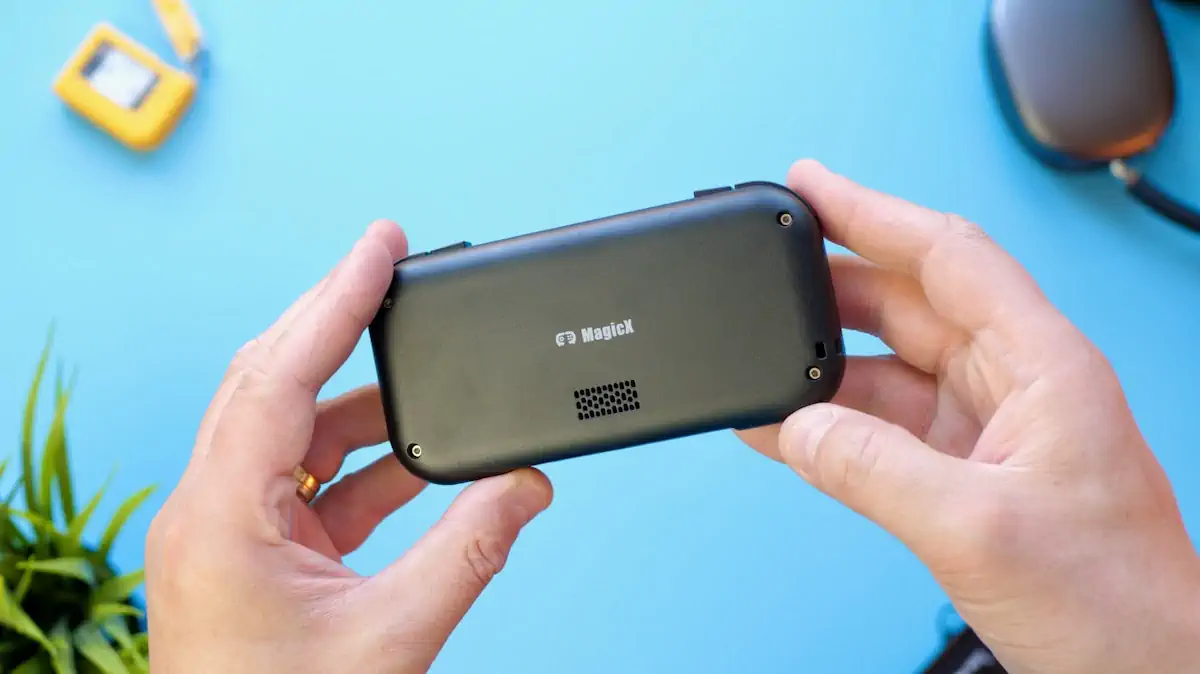
The packaging and form factor could hardly be more inconspicuous. This device is truly tiny, yet it feels very sturdy and generally comes across as surprisingly premium despite its plastic shell.
The Mini Zero 28 features a fully glass-covered 2.8” IPS display with a resolution of 640x480 pixels. At its core beats an AllWinner Cortex A53 A133P paired with 2GB of DDR4 RAM. It also comes with 2.4GHz WiFi, a 2900 mAh battery, stereo speakers and two Hall-effect joysticks. The latter really caught me off guard in a positive way, especially at this price point.
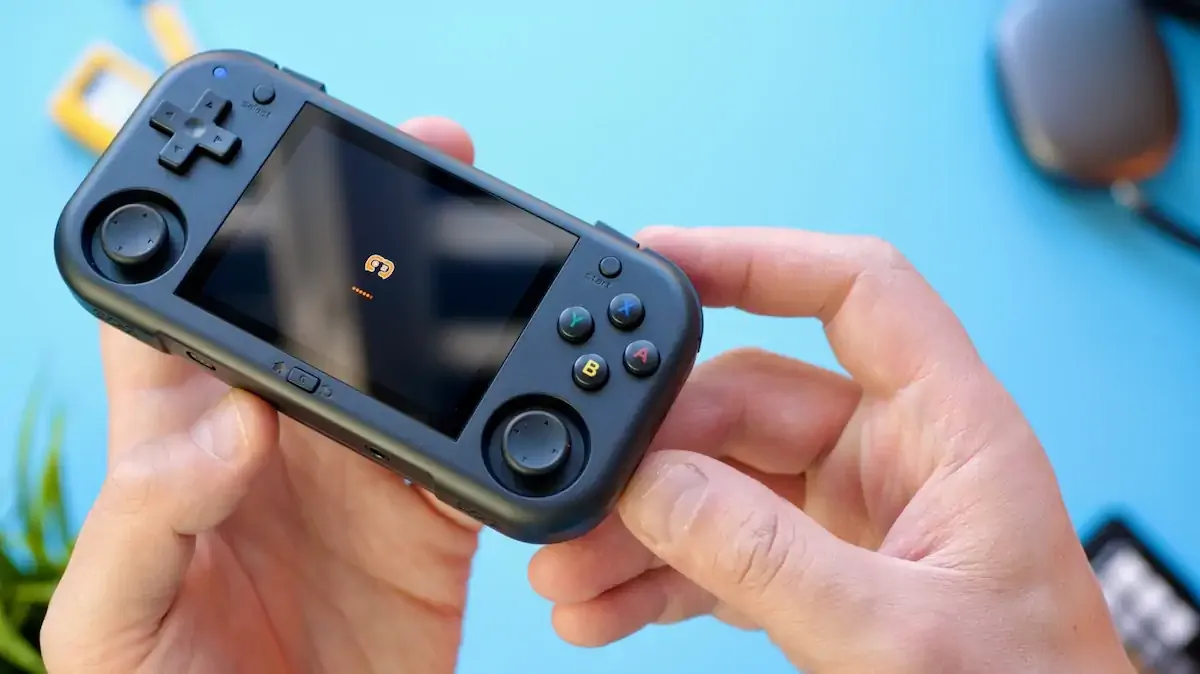
The build quality leaves little to be desired and both the buttons and joysticks feel very responsive and satisfying to use. What I like most is that all buttons are barely audible, so presses register very quietly. Despite its dimensions of 130x64x19mm the device sits comfortably in the hand, and with its weight of 129g has just enough heft to avoid feeling cheap.
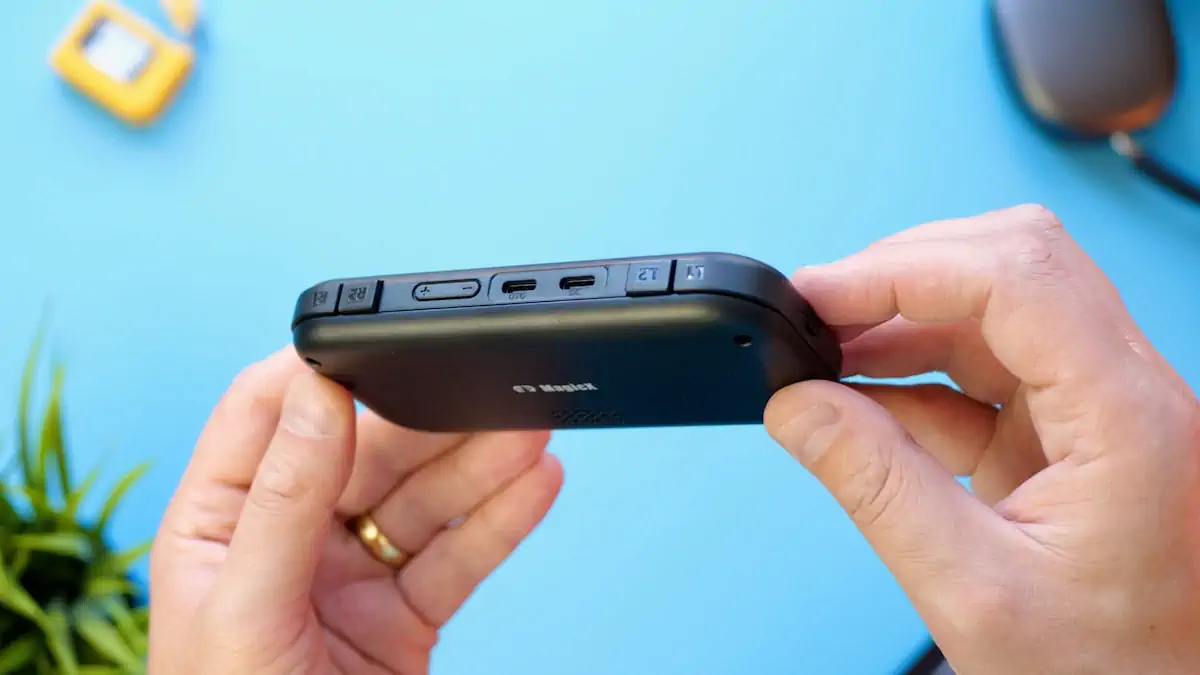
A nice bonus that immediately caught my eye is that alongside its two USB Type C ports (one for OTG, one for charging) this retro handheld also includes a headphone jack, something that sadly can’t be taken for granted anymore. Apparently some reviewers have had problems with the device’s charging, though. I’ve had none so far, so fingers crossed it will stay that way.
All in all, the Mini Zero 28 looks and feels more premium than you’d expect at that price point – which is a major win in my book. Despite not being an OLED panel, the screen is bright and colorful. Heck, even the speakers sound surprisingly good and clear. The fact that it’s able to emulate everything up to PS1, N64 and even Dreamcast (through Flycast), is pretty neat. Technically the chipset is able to rock PSP emulation for many titles as well, but both aspect ratio and screen size are hard to recommend in this regard.
You can’t touch this
When powering it up you will immediately notice that the operating system is preconfigured and comes loaded not just with the usual emulators but also, questionably, a selection of ROMs. Android as a handheld OS is known to be both powerful and a bit of a headache when it comes to initial setup — so it is refreshing to see that the Mini Zero 28 could in theory be unpacked and used straight away, even by beginners.
But there’s one massive caveat I want to address because it still remains an unnecessary challenge after weeks with the device: Android is an OS heavily crafted towards touch input and controls. Even though the system is controllable through the handheld’s face buttons and sticks, the lack of a touchscreen prevents the whole experience from becoming more than something merely serviceable.
Let me give you an example: you can lower and raise the volume without any problem, thanks to dedicated physical volume buttons. But changing the screen’s brightness is only possible through either Android’s deeply buried settings menu, or via the command center. You’d usually open the latter by swiping down on the upper edge of the screen – but without any touch inputs, what can we do? Well, there’s a hotkey combination to open the first segment of the center, but then you will have to enable the virtual mouse and manually pull the rest of the menu down with one of the joysticks. There’s no way to add or modify a button combo in order to change the brightness, let alone is the aforementioned way reliable at all. It’s fiddly.
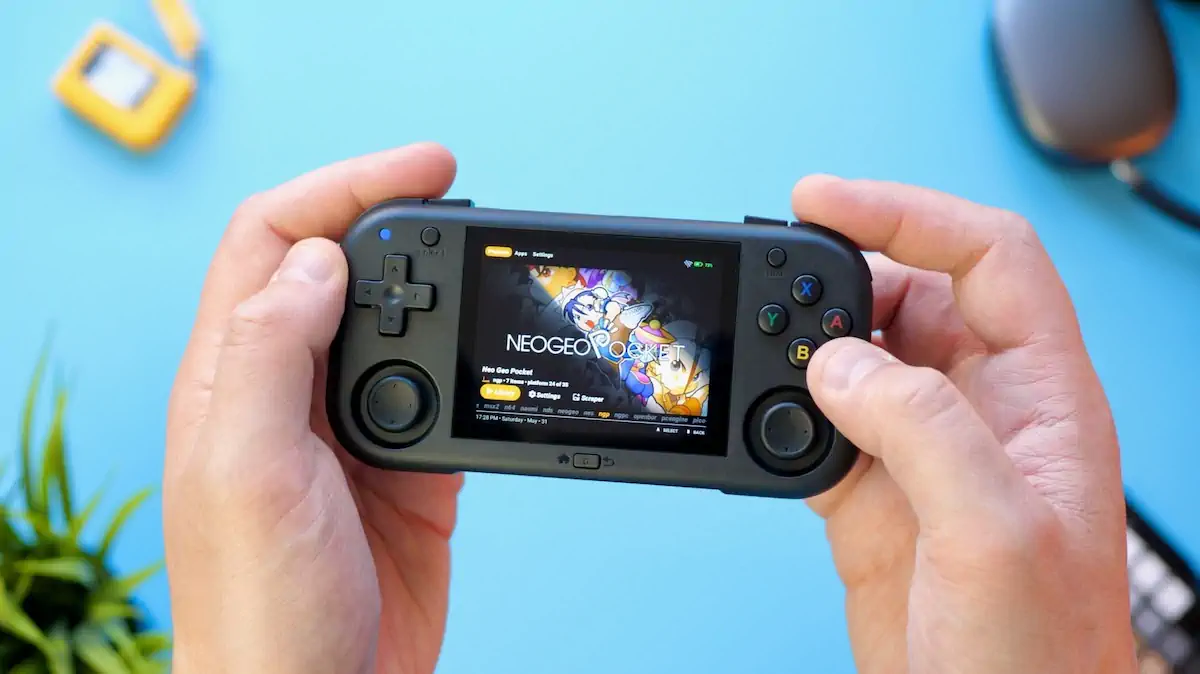
While this is just one of the many problems which arise when using an OS optimized towards touch controls without a touchscreen, add all the other necessities of setting up and maintaining a nice retro environment with bigger libraries on Android to that, and you’ll end up with a very hard to swallow pill.
Thankfully there’s a version of MinUI available, which is a really clean and fast Linux-based OS for retro handhelds. I really love PakUI on my TrimUI Brick, which is basically a derivative of MinUI, so I see myself likely ending up using that on the AMPOWN Magicx Mini Zero 28 in the long run. Time, community adoption rate, and dev support will tell.
Conclusion Time
I’d say the AMPOWN Magicx Mini Zero 28 is a really promising device, especially in its size class. The build quality and hardware features alone are really great, and having things like Hall-effect joysticks at that price point is mind blowing. But the experience has been constantly tarnished by the lack of OS usage comfort. Omitting touch input wouldn’t be an option for me personally, at least for an Android-based retro gaming handheld, yet here we are.
In the end, it’s a case of waiting to see how the community work for this device shakes out in the long run – because, for now, the usage / troubleshooting ratio of the Mini Zero 28 made me often pick up another handheld instead. I hope we’ll see a new revision with a touchscreen down the line so that the device’s other qualities get their proper time to shine.