

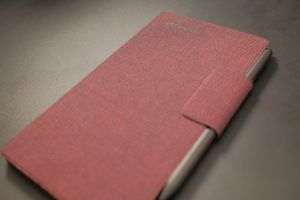
The reMarkable Paper Pro Move should be easy to review. After all, it is basically the same device as its bigger sibling, the reMarkable Paper Pro, but in a smaller form-factor.
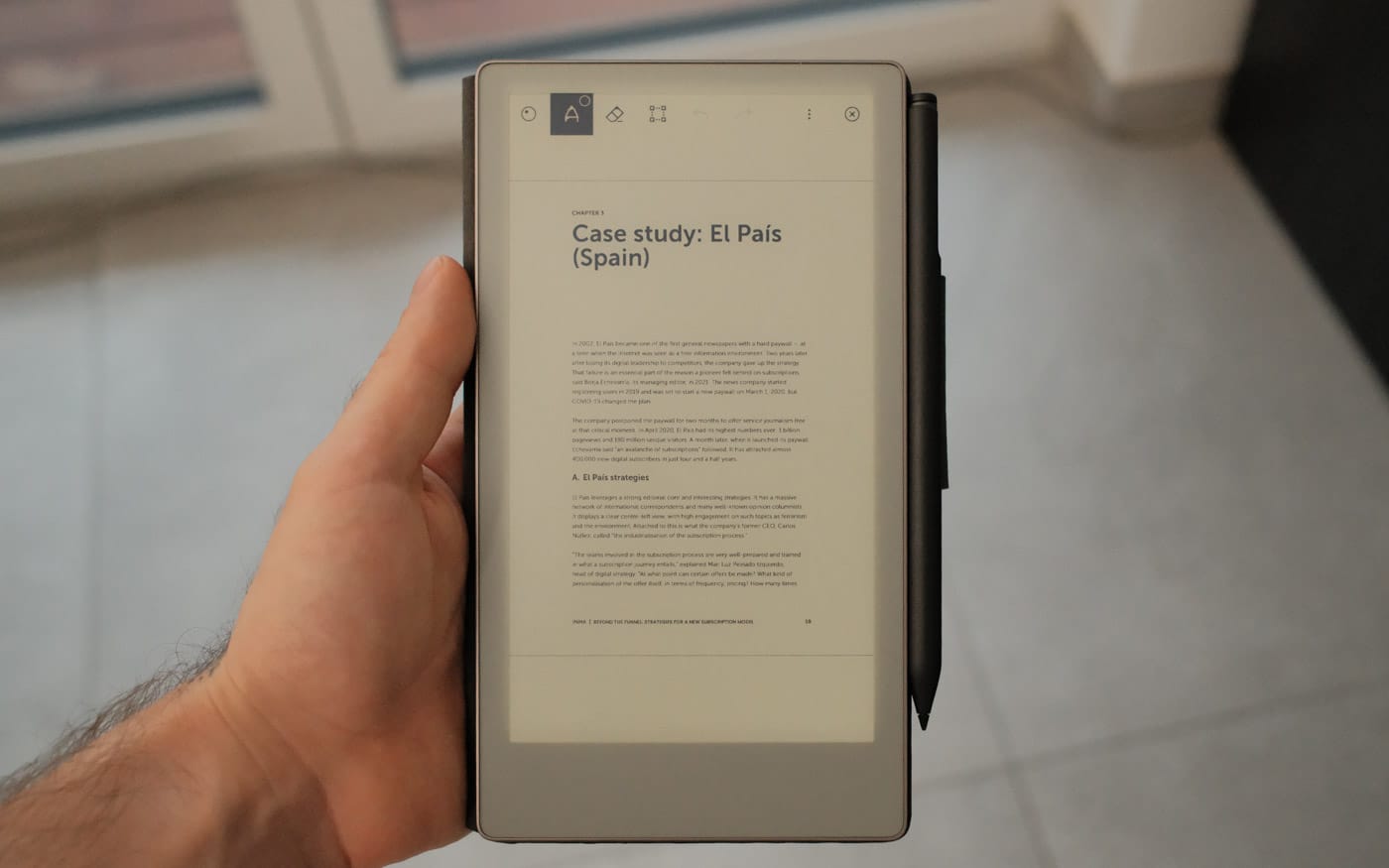
And because of its name, it should be clear what this device is meant to be: a more pocketable, and transportable version of reMarkable's best tablet.
And yet, the way I ended up using the Move the most is completely different from what you see in reMarkable's marketing material. In fact, to me, the Move is the perfect desk accessory.
This will not be a full-fledged review, because in essence, the Paper Pro Move is the same device as the bigger Paper Pro. I recommend you read that review to learn the most about the device, the reMarkable ecosystem and philosophy.
 Kevin Wammer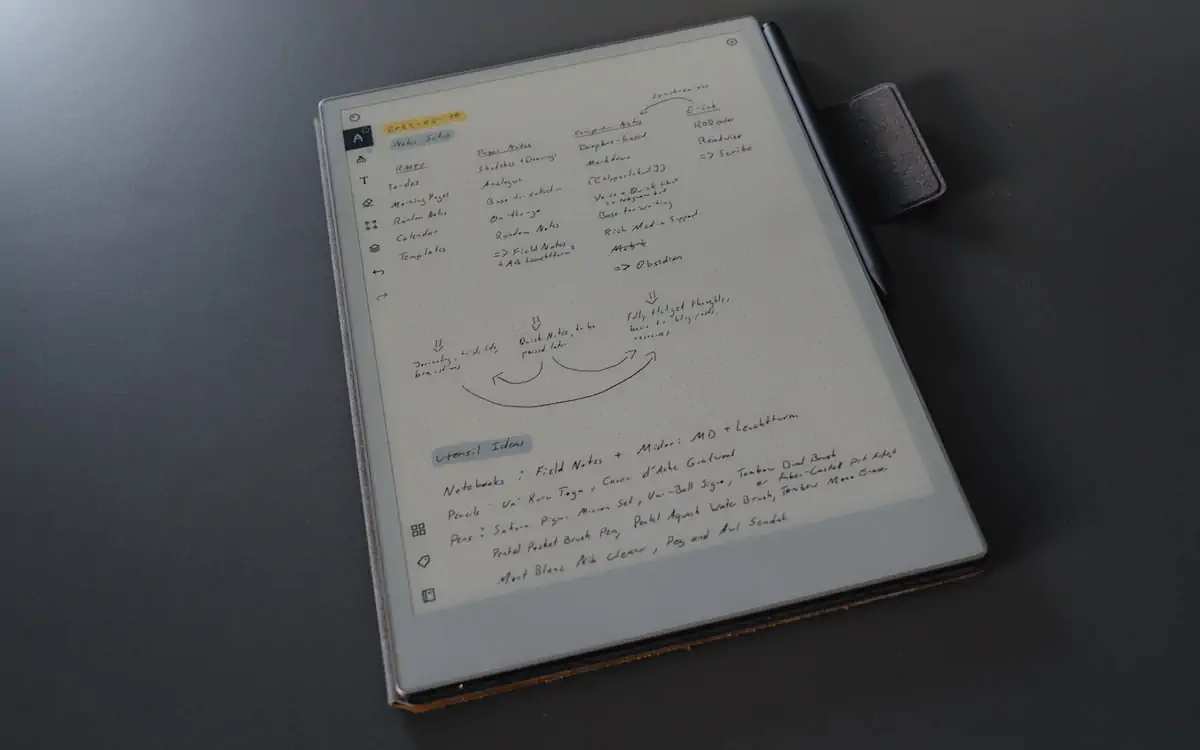
Instead, I will mostly focus on the differences, and how I ended up using the device.
Size-wise, the height of the Move is about the width of the Paper Pro (which I'll call Non-Move going forward). So if you write in landscape, you get about the same sentence length as you may be used to, if you own a Non-Move, but way fewer sentences fit on the screen before you need to scroll.
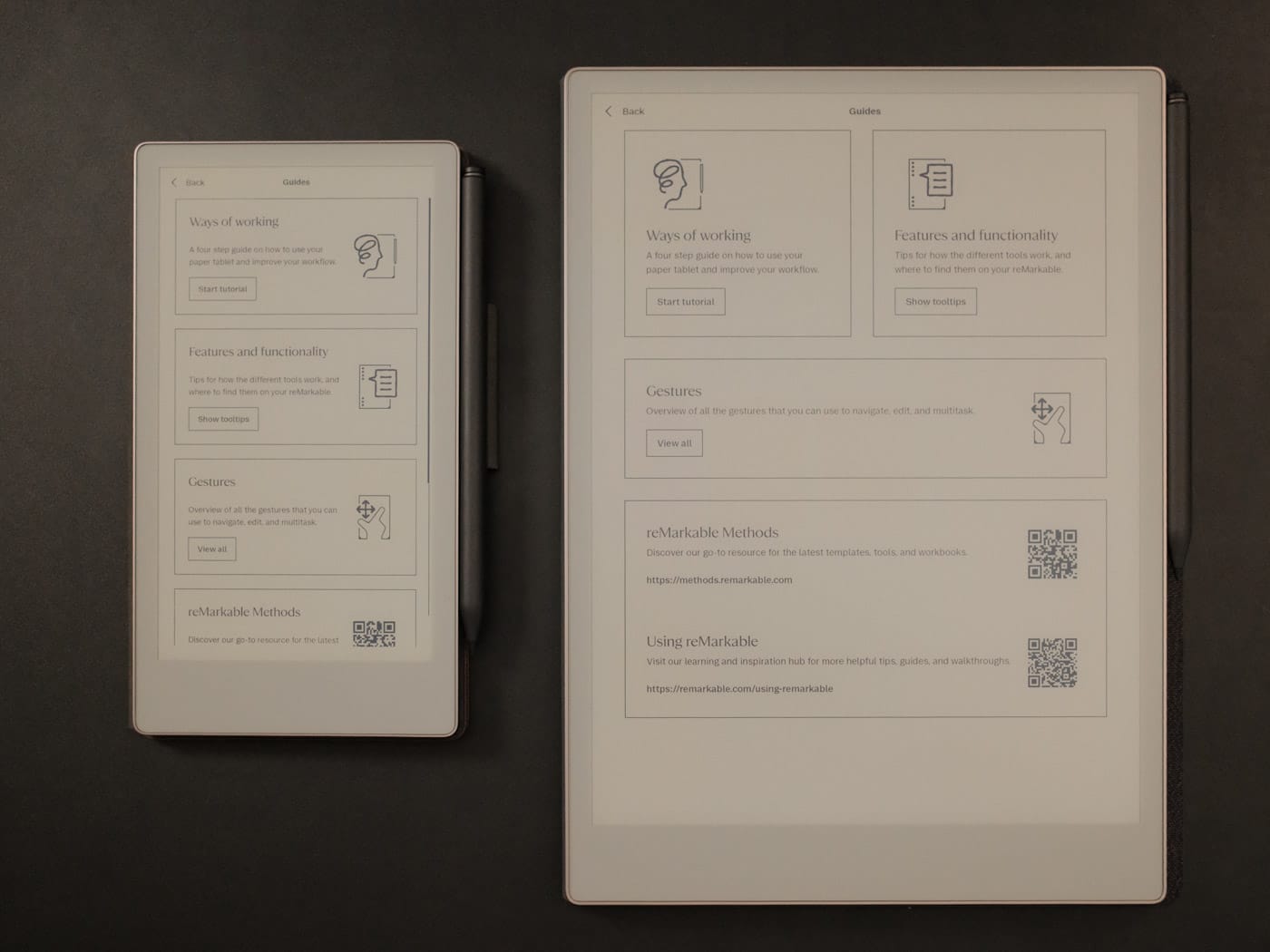
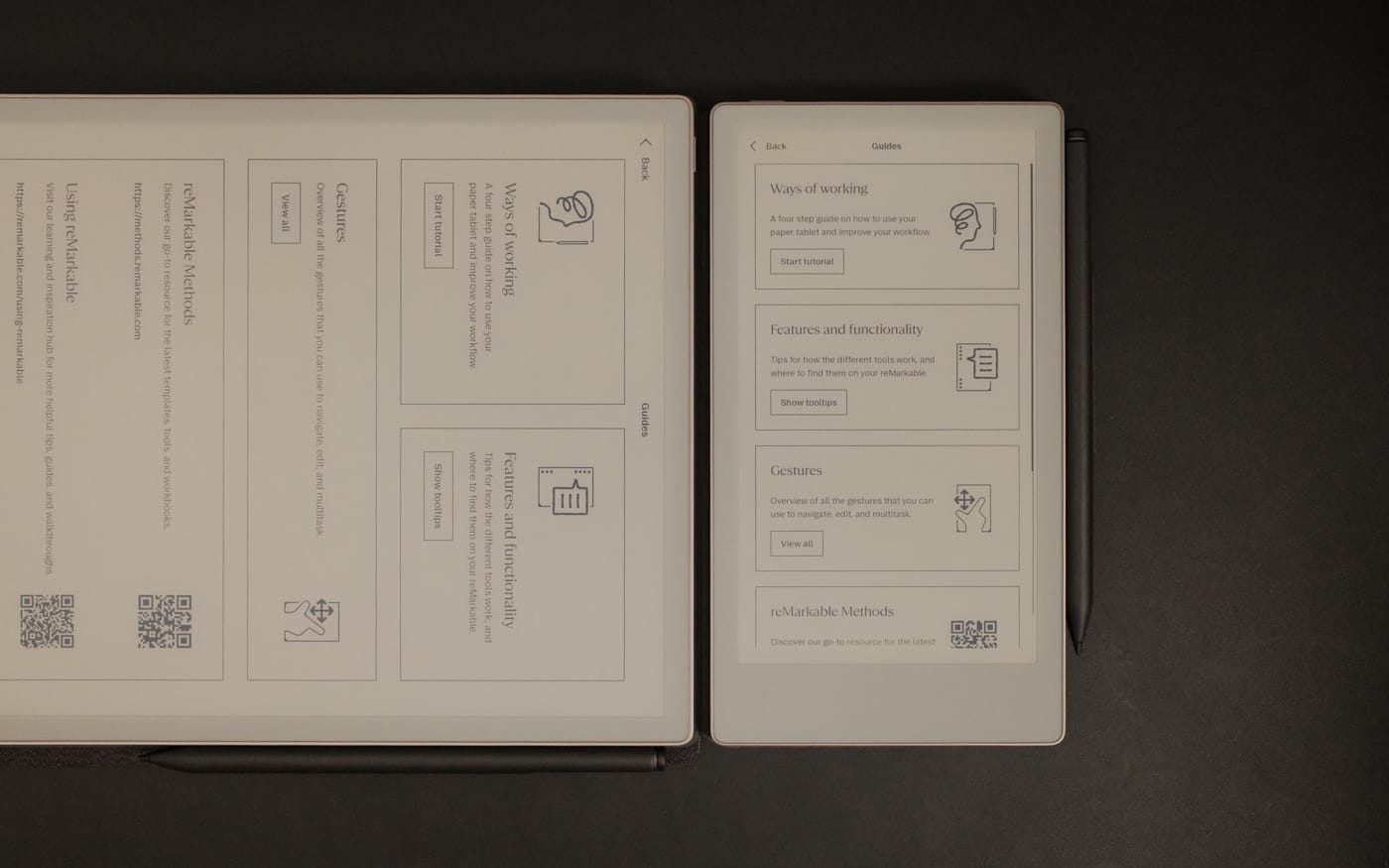
But if you use the device in portrait mode, the opposite is true. You can fit way more on one screen, but the sentences are much, much shorter.
Since the strength of the reMarkable system is sync, you can start a note on any device and then open it on the Move. But because of its form-factor, if you open a note created on the larger Non-Move, on the Move it'll default to a 0.6x zoom-level.
But if you open a note where you added stuff on the sides (by expanding horizontally), it will default to 0.5x in my tests.
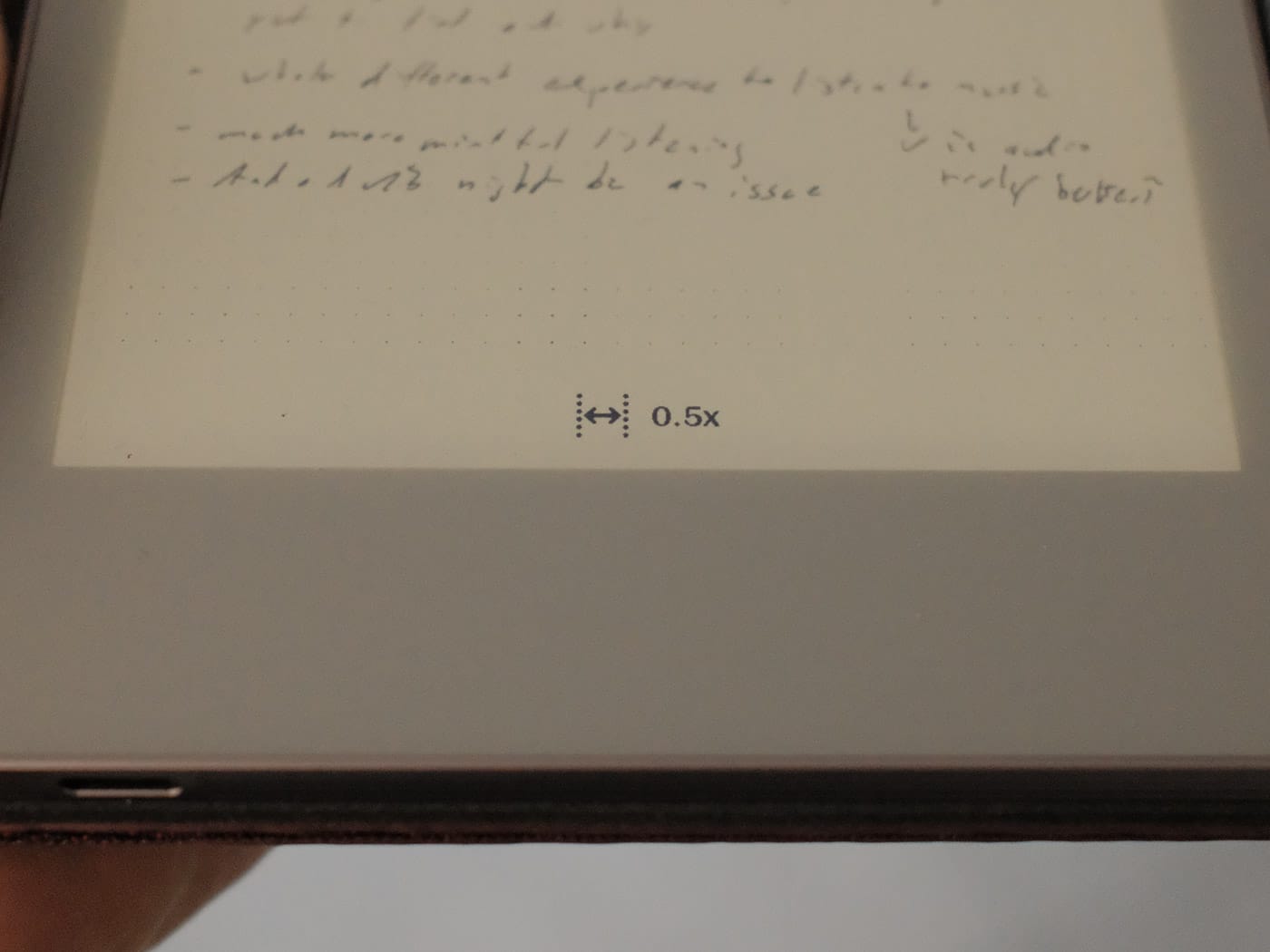
Depending on your handwriting, this is either still a good experience, or tiny (in my case, it's a tad small.)
One note on sync: It mostly works without issues. However, somehow, I managed to mess something up. I have one notebook-page where two paragraphs are scribbled over each other. My theory is that I somehow was offline on one device, and didn't realize that text was missing. So instead, I wrote in the empty space, and the next time all devices synced, text overlapped.
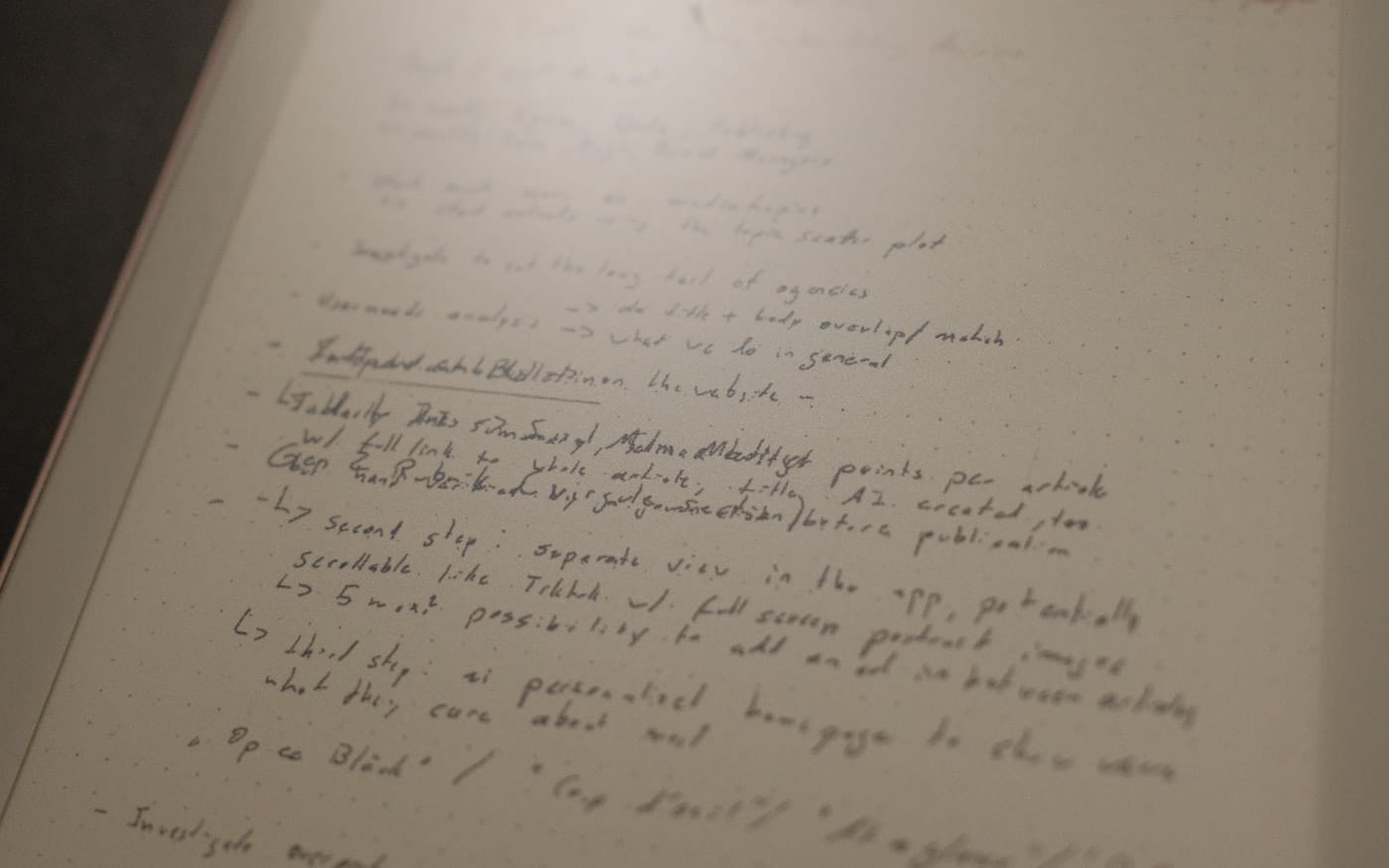
Unfortunately, I can't undo this, and now have no idea what either paragraph was saying. One way I could see reMarkable to solve this admittedly rare issue is by automatically creating a new layer for whatever device you are currently using.
Of course, this would mean that you'd need to switch layers if you want to delete something you created on a different device. But maybe the clever engineers in Norway could come up with a way to solve this using some intelligent system. And no, please don't name it AI anything.
I need to explain how I use the Non-Move.
The Non-Move is how I take notes for work. I add a few PDFs to this that I'd like to either edit or go through and annotate, but mostly I live in three different notebooks: one for daily stuff where each day is a new page, one for more strategic stuff, where each topic is a new page. I heavily use the infinite-page feature, and finally one for random notes that don't have a dedicated space.
I carry the Non-Move with me on meetings, and 1-to-1s, and have it lying next to me when I'm in (way too many) Teams meetings. The Non-Move is a work device for me. (And fun fact: several colleagues ended up buying one after seeing me running around with mine, same for the Move.)
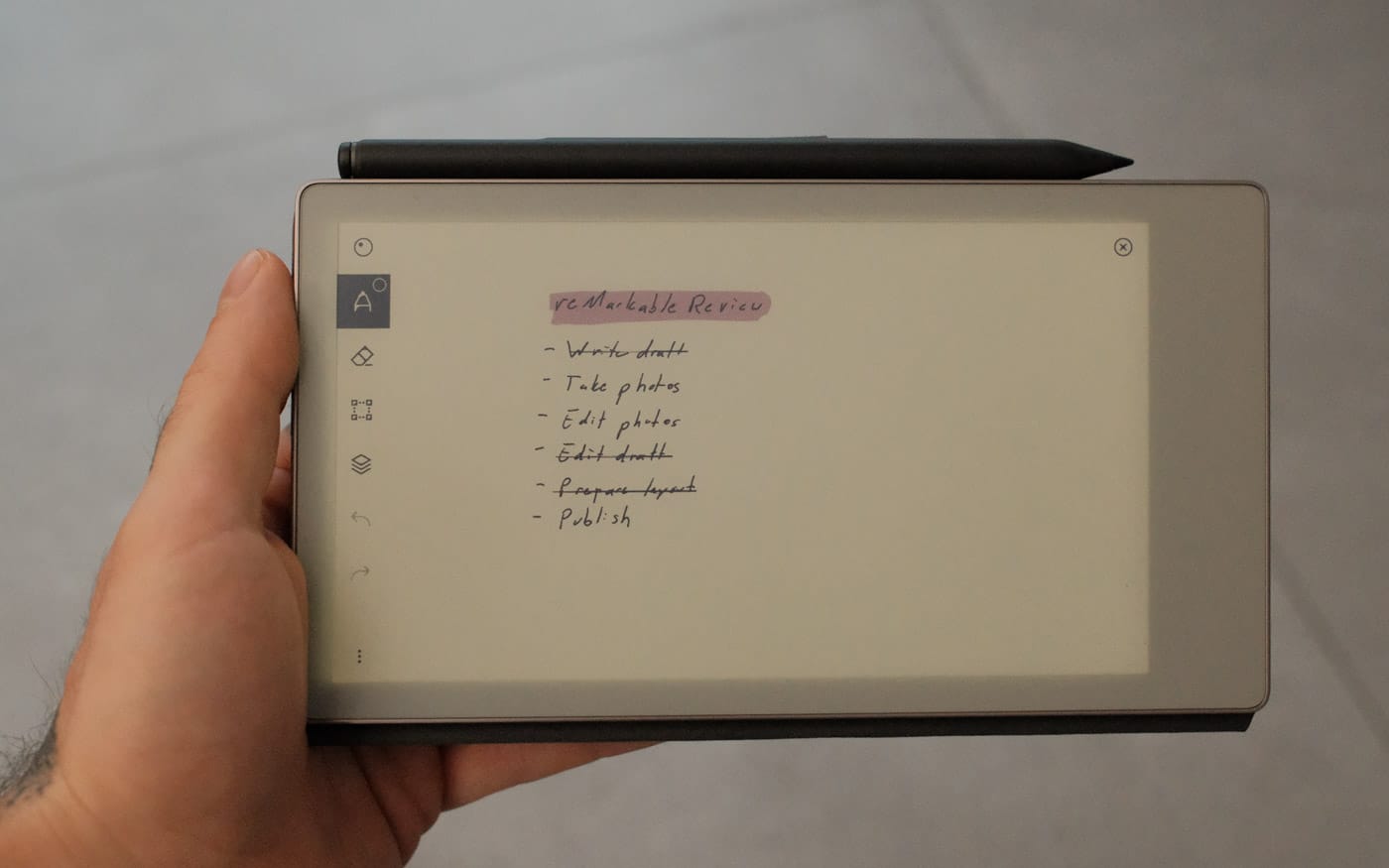
The way I work is that every morning, I go through my different inboxes and then decide what the tasks of the day should be. I then try to order them by order of importance, and write them down in the daily-notebook. The idea here is that if I only manage to do the topmost (or some of the topmost) tasks, I still did my most important stuff. And while this is not really the subject of this post, I don't always do these things in order. If I feel like I have less energy, I do some tasks on the bottom of the list for a few quick wins.
And here is where the Paper Pro Move comes in: list management. While I use the Non-Move for brainstorming, note-taking, annotating, and generally planning my day, I use the Move to handle lists.
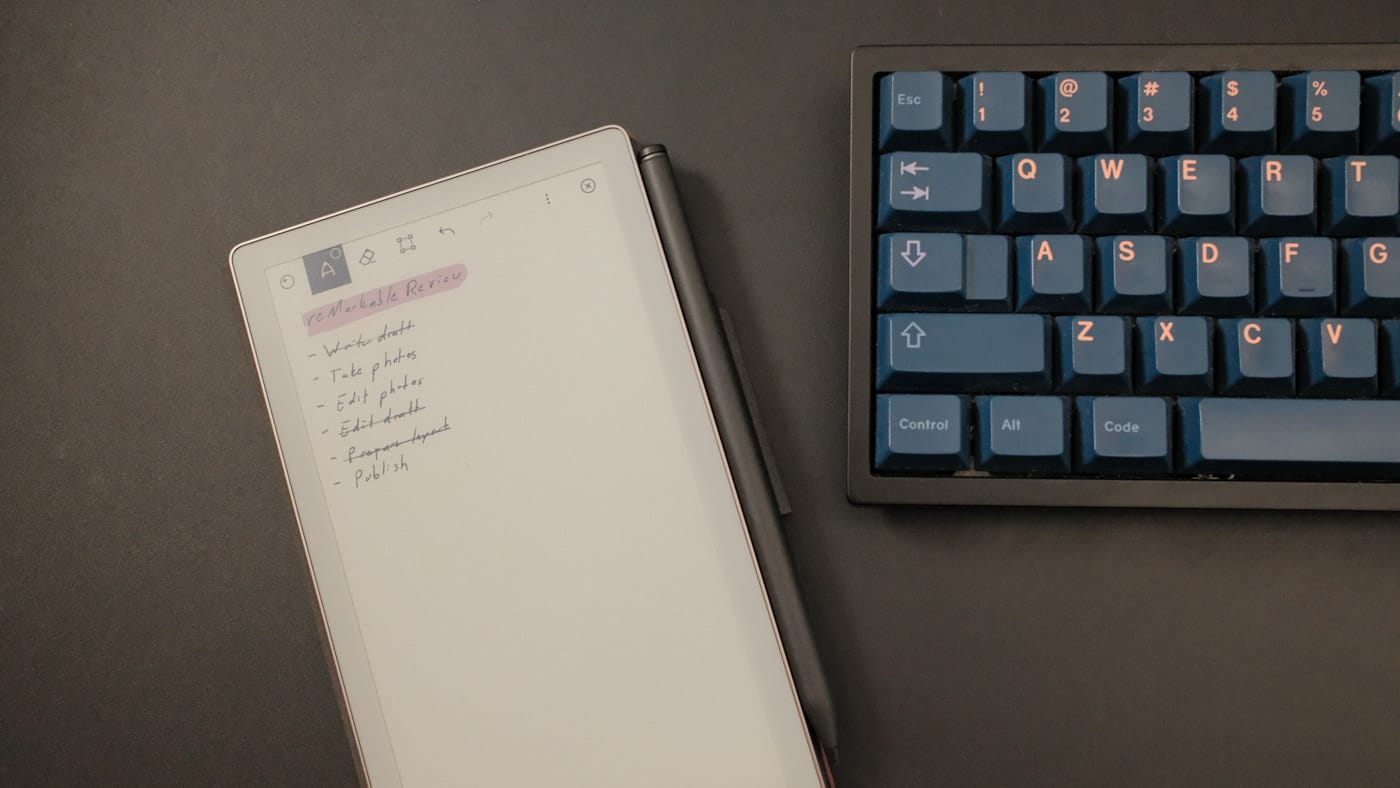
After creating my daily to-do list on the Non-Move, I open the page on the Move and zoom in. This way, I only see the tasks I have for the day, and none of the remaining notes I took. But if I need to either write something down, change a task or add something to a note, I can easily move around to find what I am looking for.
On the Move, I also use quick sheets much more than I've ever used them on the bigger device. This is again due to my love of lists, so I often create a quick sheet, whenever I need to write something down quickly (hence the name, I guess).
In fact, this mirrors how I use notebooks (which I use for personal writing). I have a bigger notebook (a Leuchtturm1917 Pocket Notebook) for my journaling and much more important writing, and a Field Notes notebook for everything else. Be it lists of chores, a shopping list, a phone number I need to write down quickly or anything else.
But here comes the issue: I find it difficult to recommend this device, if you don't already own a reMarkable Paper Pro.
It's like with notebooks: small ones are fine for on-the-go and quick note-taking, but it's on bigger canvas, where my thoughts and notes can breathe and use up all the space. But by that logic, you'd have to spend over $1000 to get both devices, since the Move comes in at a whopping $449. That's “only” $180 less than the bigger Paper Pro at $629.

I suggest you look at reMarkable's refurbished deals.
And yet, and also despite its name, the Move lives permanently next to my keyboard on my desk, and I'm happy that I own one. It did make my life easier.
But I also know that this primarily comes down to my own usage. I know that other people who grabbed one use it as their digital pocket notebook on the go, the same they use small notebooks as their primary notebooks.
So if you are this type of user, and don't necessarily want to carry a laptop-sized digital notebook with you, the Move should be a no-brainer to pick up.
It's after all the best little e-ink sidekick I've tried. It just asks a premium for the privilege.