

I'll spoil this review right from the get-go by saying this: The ASUS ROG Flow Z13 is an absolutely bonkers device. It's the definition of overkill. It does not matter what I throw at it, this 13" laptop-tablet hybrid can play it all.
The reason the Flow Z13 is such a beast is because of the chip ASUS decided to put into this device. It's the beautifully named AMD Ryzen AI Max+ 395, also known as Strix Halo. It's the most powerful APU currently on the market, and the built-in 8060s iGPU allows this device to chew through most games on medium-ish settings when not hooked to a power outlet. Hook it to power, select the highest power preset, and enable FSR3, and you can play Cyberpunk2077 at Ultra settings at around 60 FPS.
This, to me, is crazy. Remember, it's a portable device, and while you need the humongous 200W charger to squeeze all the power out of this device, it's still a smaller footprint than my 14" MacBook Pro, although thicker.
I tried Death Stranding, Forza Horizon 5, Cyberpunk2077, and a whole bunch of indies, and it just runs it all. I could go on in this review about that fact, but just know this: if you buy this device for gaming, you're in for a good time. If you want to see benchmarks, I recommend this admittedly older video by Russ:
Instead, in this review, I want to share what it's like to live with the Flow Z13, as I've been using it for nearly 3 months at this point.
The review unit ASUS sent me is the 32 GB version, and because it uses unified memory, the memory is included in the chip, you could easily give 16 GB to the GPU alone.
You can configure the Flow Z13 to have up to 128 GB of memory, but for gaming, this is basically a waste of money, especially at the current memory prices. I think that config is mostly for people who are into LLMs or content creators who want a powerful device to edit their videos on the go. I'm neither.
While the Flow Z13 is primarily a Windows 2-in-1, I stayed true to myself and installed Bazzite on the device immediately after getting it.
Compared to what Russ mentions in the video above, Bazzite has improved a lot nearly one year after release. In fact, when you download the ISO for Bazzite, the Flow Z13 is one of the explicitly listed hardware configurations.
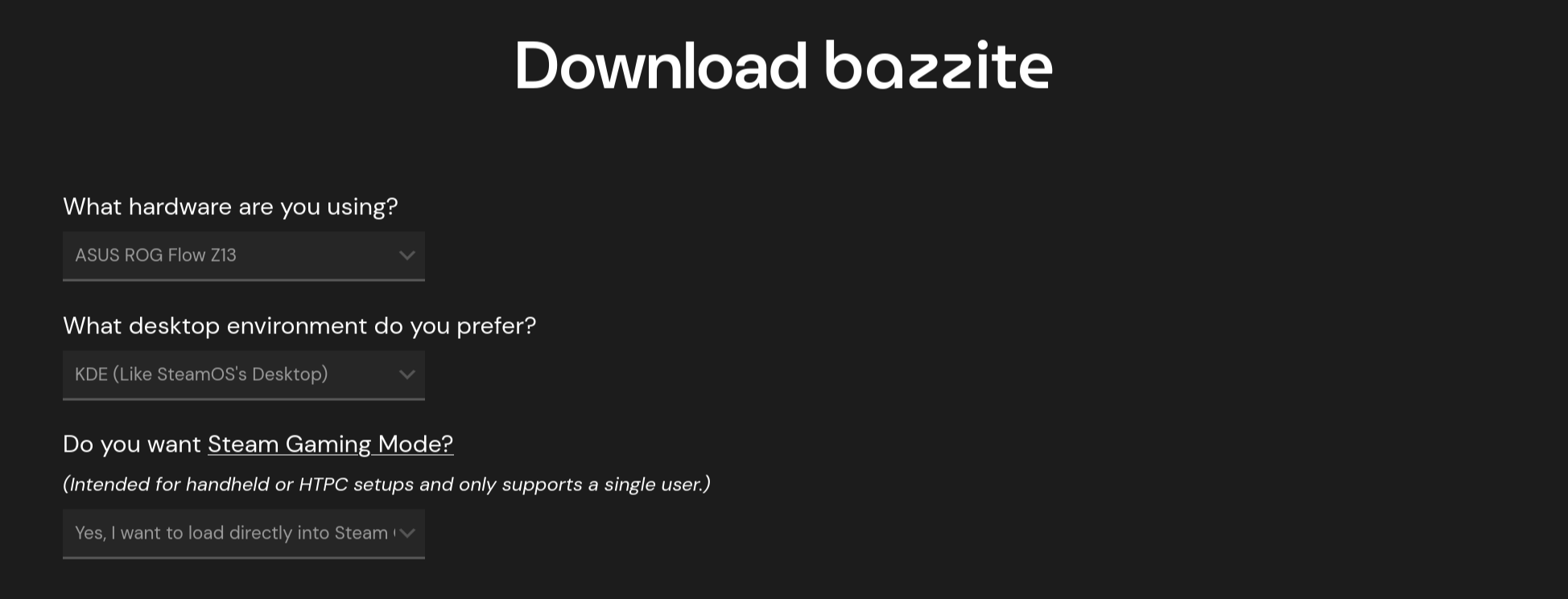
Originally, I installed Bazzite with the desktop mode only. I wanted to experience this device as a laptop replacement, and used it for a couple of weeks before buying the Zenbook S14 as my primary device (knowing that I have to ship the Z13 back at the end of the month).
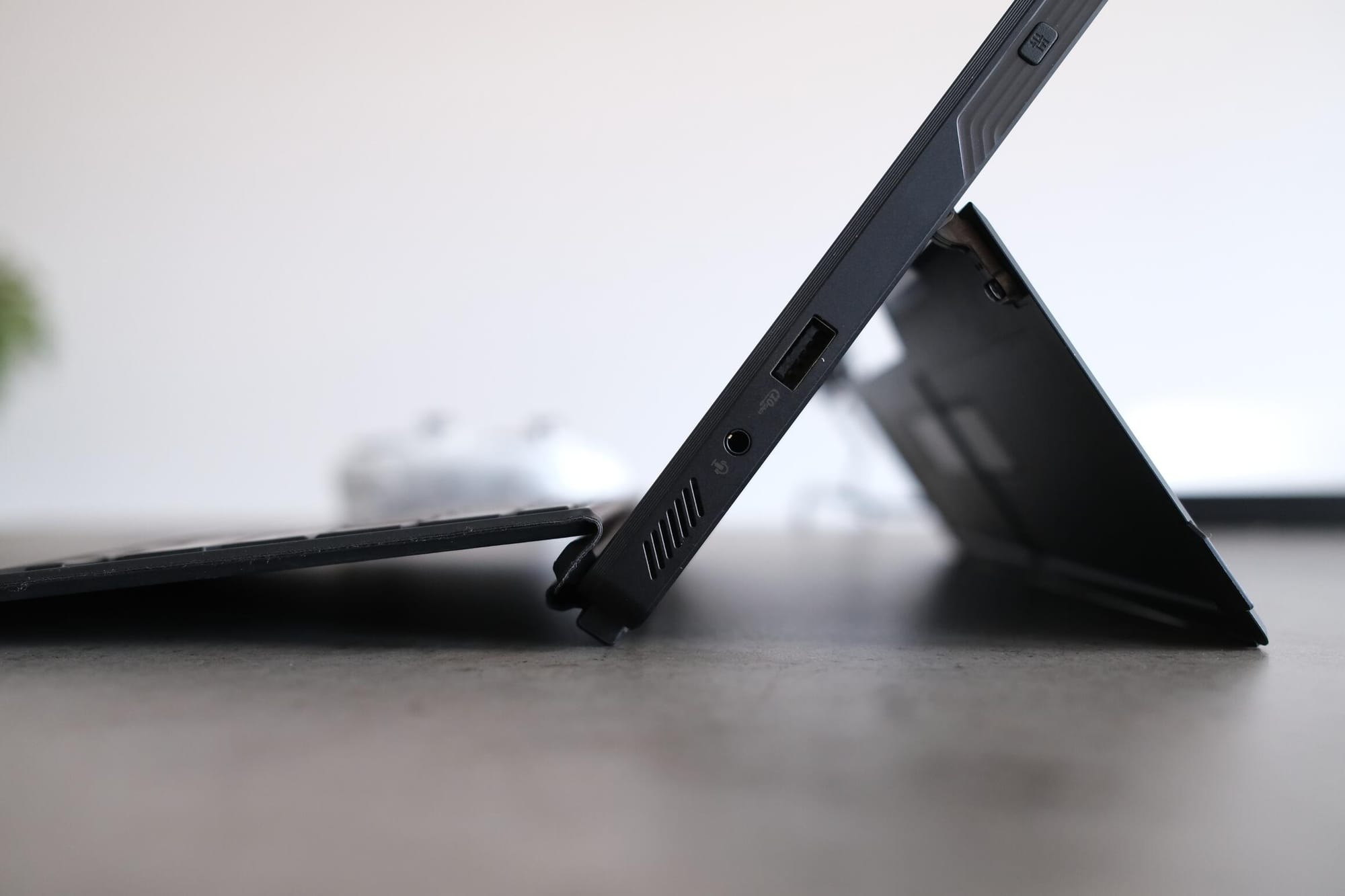
The experience as a full-time laptop replacement was mostly fine. Because the Flow Z13 is a hybrid device, it comes with a removable keyboard and has a built-in kickstand. This unfortunately makes for a not-very-good laptop experience. While the kickstand is sturdy and allows you to nearly lay the Flow flat on a surface, it is still a kickstand. It is not the most stable when positioned on a lap.
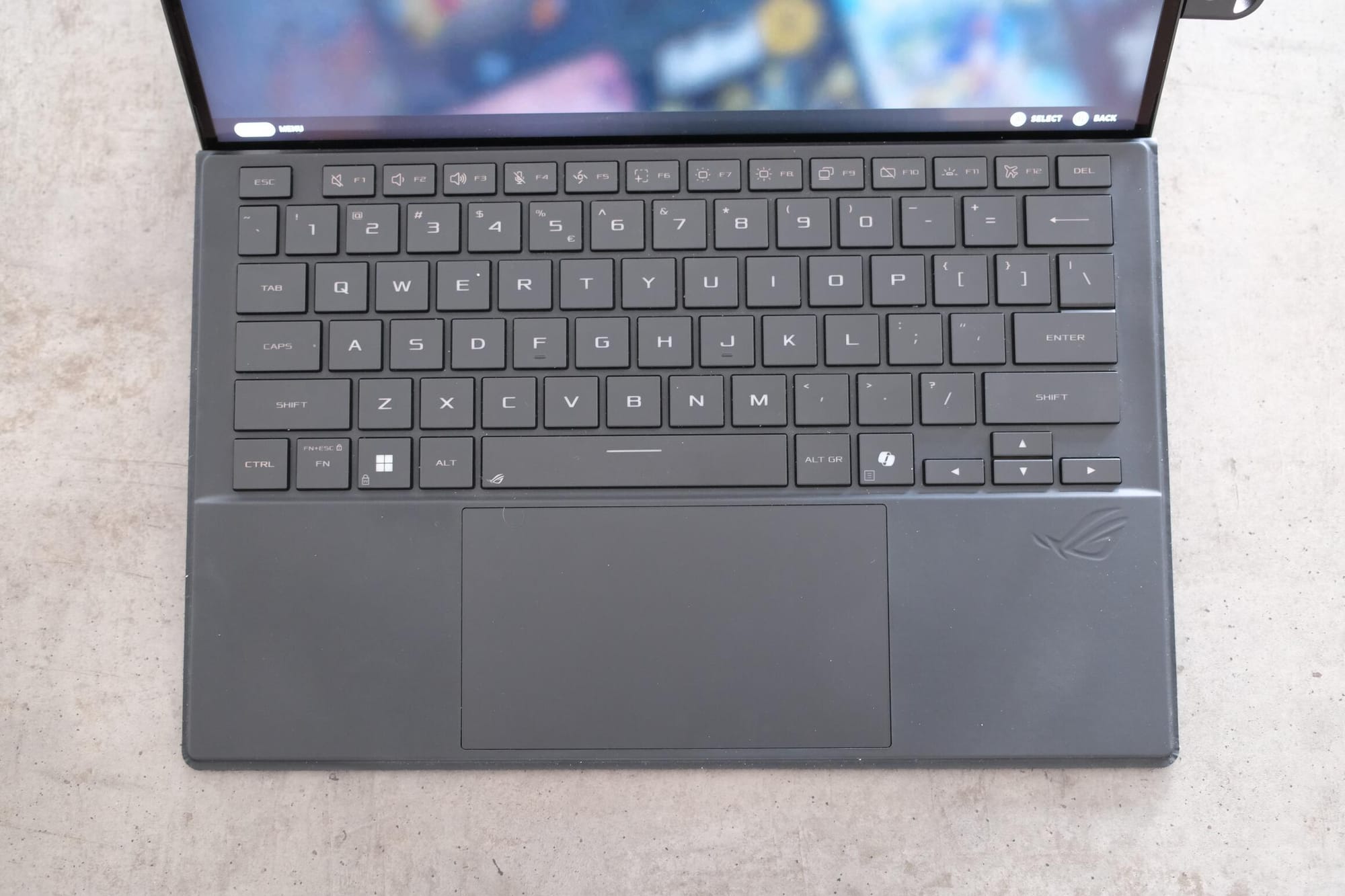
Also, because of the nature of the removable keyboard, it is not as good as the built-in keyboard on a true laptop. It still has good keys, and a decent, albeit small, touchpad. And since it uses magnets, you at least get two positions in which you can place the keyboard. But as a hybrid device, it has to make a few concessions, and this is one of them.
On the other hand, as a hybrid, you can simply hold it like a tablet. It might be a heavy tablet, but combined with the touchscreen, you can run around with it like a super-powerful iPad. I did this once at work while showing someone an Excel sheet, and I'll be honest, it felt cool to do so.
But the Flow Z13 also has access to a plethora of ports:
- 1x 3.5mm Combo Audio Jack
- 1x HDMI 2.1
- 2x Type-C USB 4 with support for DisplayPort / power delivery (data speed up to 40Gbps)
- 1x USB 3.2 Gen 2 Type-A
- 1x card reader (microSD, for whatever reason?)
I usually use my devices connected to an ASUS PG32UCDP, what a name, via a single USB cable. Meanwhile, my keyboard, mouse dongle, and a few other peripherals are directly connected to the monitor.
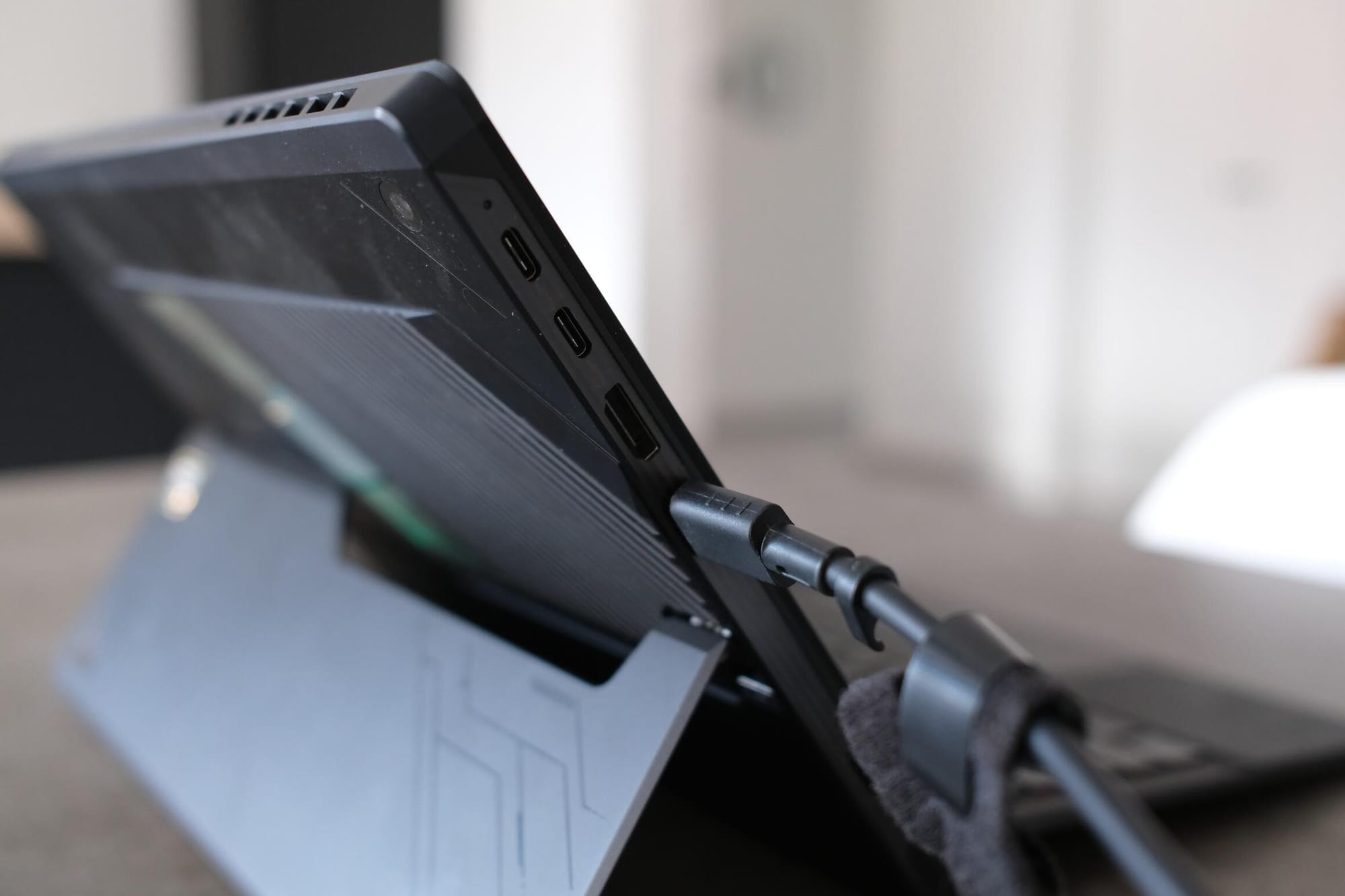
With that setup, I can put the Flow Z13 in front of and under my monitor and use it as a second-screen setup. The only slightly annoying thing here is that the USB-C port is on the top of the device. It looks a bit silly!
However, after receiving the Zenbook, I reinstalled Bazzite with the gaming mode enabled by default and used it as a very big "handheld-like" device.
Basically, the way I decided to use the Flow Z13 is similar to how you would use a Nintendo Switch that you put on a table and detach the Joy-Cons from. And this is the experience I came to like the most over the last few weeks.
I connect one of my several controllers to the device, remove the keyboard, and use it as my on-the-go gaming platform whenever I know I can travel with a proper backpack.
I could certainly have used a handheld, since they weigh less, but I am a sucker for graphics. It is the reason I run a 4090 in my gaming PC. And because the device itself is so powerful, I don't really need to mess around with any game settings to make a game run, since it just runs everything.
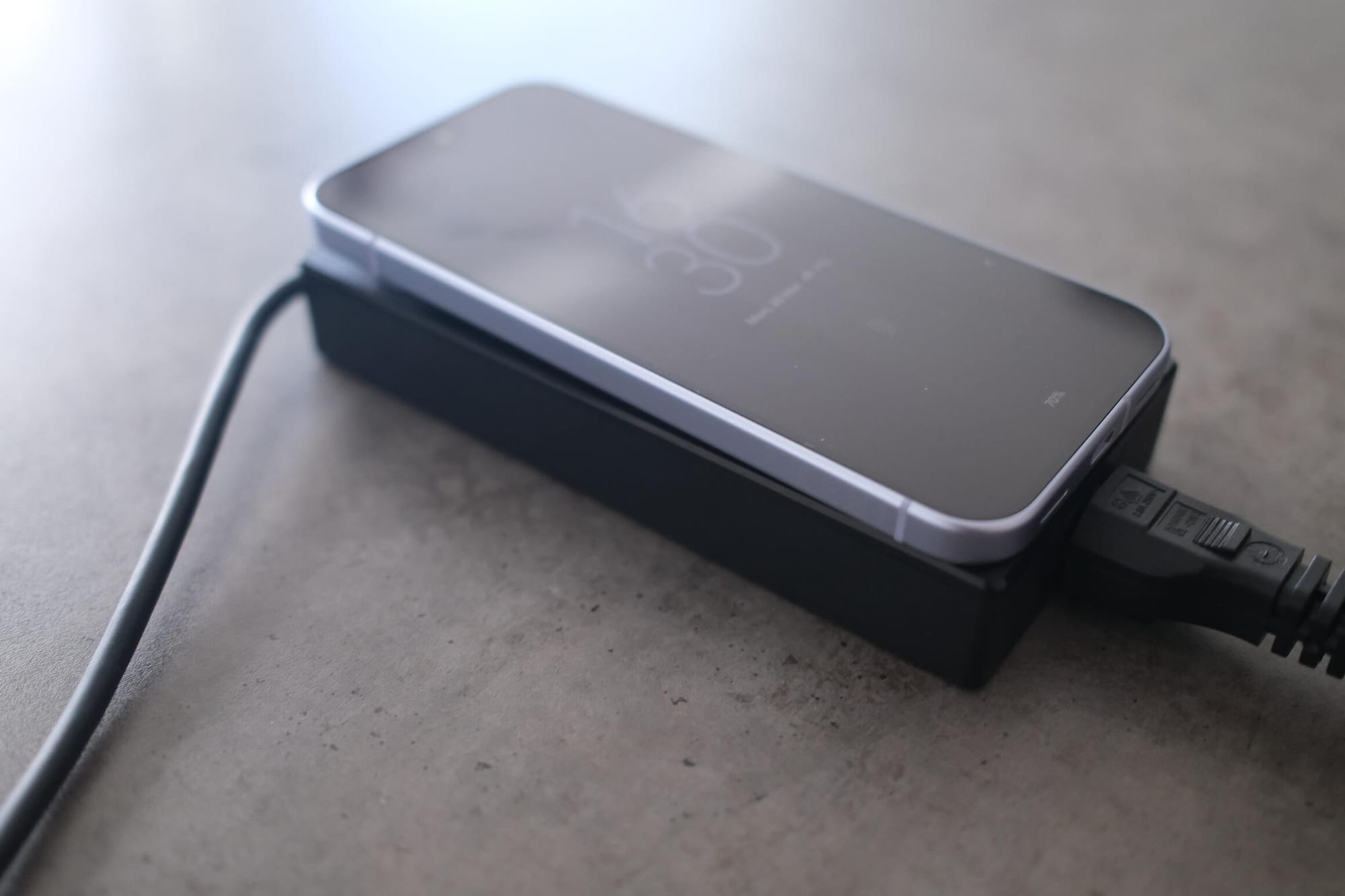
Instead, dialing in the settings is mostly something you do when you want more battery life. Because depending on the power setting and the game you run, this thing is dead in about an hour. Which is where that charging brick mentioned above comes in.
Non-gaming battery life is like that of any other laptop, and goes down if you pull more power. I could survive nearly a workday.
As for thermals: in silent mode, the fans are often inaudible or off entirely. In turbo mode under heavy load, the noise reaches about 55 dB, which could be described as a "whooshing" sound without a high-pitched whine.
Let me explain my usage with an example.
For work, I had to travel to Antwerp by car this week. And since I carried a backpack, I put the Flow Z13 in one of the two laptop compartments of my bag, added a controller and the charging brick, plus a pair of IEMs.
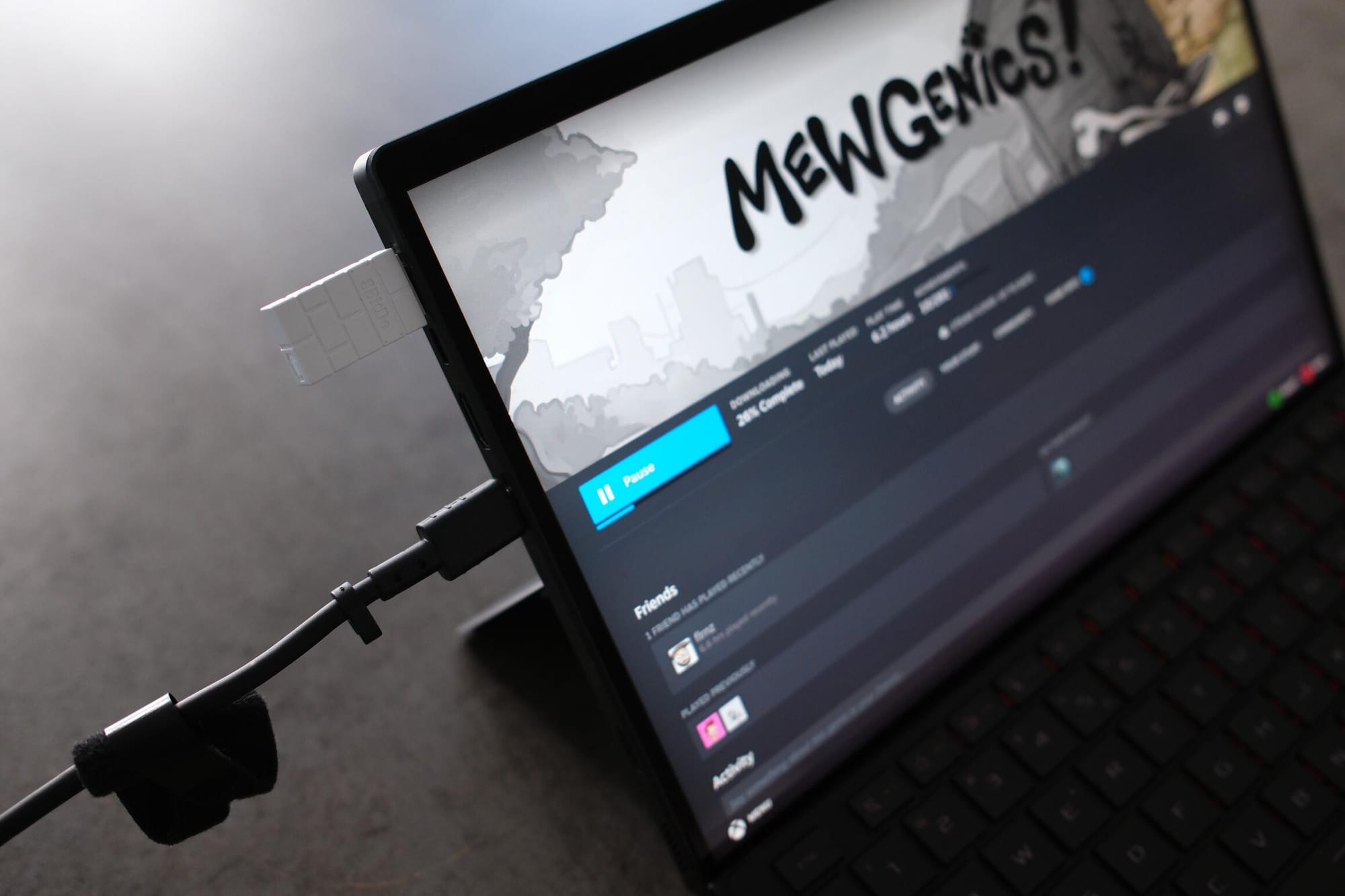
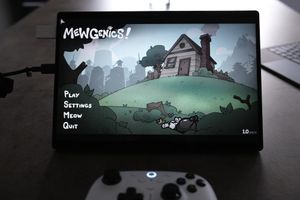
In the evening at the hotel, after dinner, I used the Flow Z13. I connected the controller via the dongle, since I prefer dongles to proper Bluetooth, propped the Z13 up on the bed with the kickstand, and played some Mewgenics before continuing my current Baldur's Gate 3 playthrough.
It just worked. The only slight inconvenience was that I had to connect it to the charging brick.
I had a great time with the Z13. It's a very powerful, although expensive, device, as it starts at around $2,299 for 32 GB of memory. And with the current situation, getting the 128 GB version would cost you an extra $1,400.
 ROG
ROG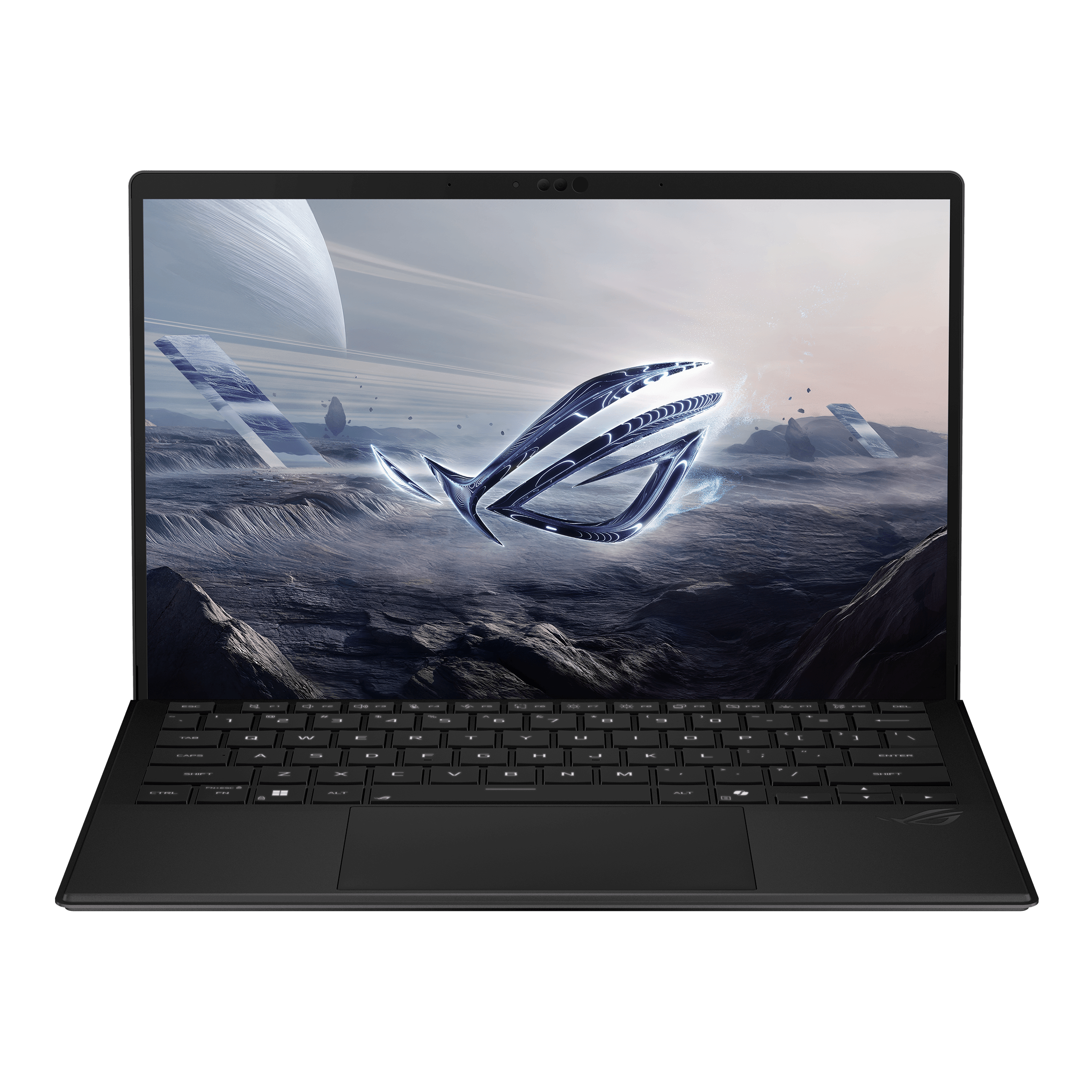
If you are looking for a device between a handheld and a gaming laptop, this is it. I'm sad I have to send my review loaner back.
In the end, the Flow Z13 proves exactly what I suspected: it is beautiful, unadulterated overkill. It might be niche and incredibly expensive, but if you want uncompromising power in a form factor this versatile, there is simply nothing else like it.