

Every few months, I start a new project and go deep down a new rabbit hole, because I don't have enough of them in the first place.
The last couple of days, I probably spent way too many hours getting a home server up and running, and configuring it the way I like. It was a project I wanted to do for a long time but always struggled to start since the whole thing felt like a mountain to climb. I also had no freaking clue where to begin.
But thanks to a friend who visited last weekend, we managed to install a GUI-less version of Ubuntu on my “old” AYANEO AM02 for this. After some setup and a lot of explanations by said friend (like a lot, sorry Jakob), I proceeded to install a bunch of self-hosted apps. Now everything runs smoothly enough that I can pretend I know what I’m doing.
The Hardware
I have reviewed the AYANEO AM02 previously, but back then only looked at it from a gaming standpoint.
This small thing also makes for a great home server. The version I own came with 32 GB of internal memory, 1 TB of storage, and has two Ethernet ports, one with speeds up to 2.5 Gbps. It runs an AMD 7840U, which is far from the best possible chip for such a setup, since it's too powerful (and thus power-hungry) to just run a bunch of web apps. Other people use Raspberry Pis for this.
But I already owned it, so this is the way I went. Also, that power will come in handy, but more about that later.
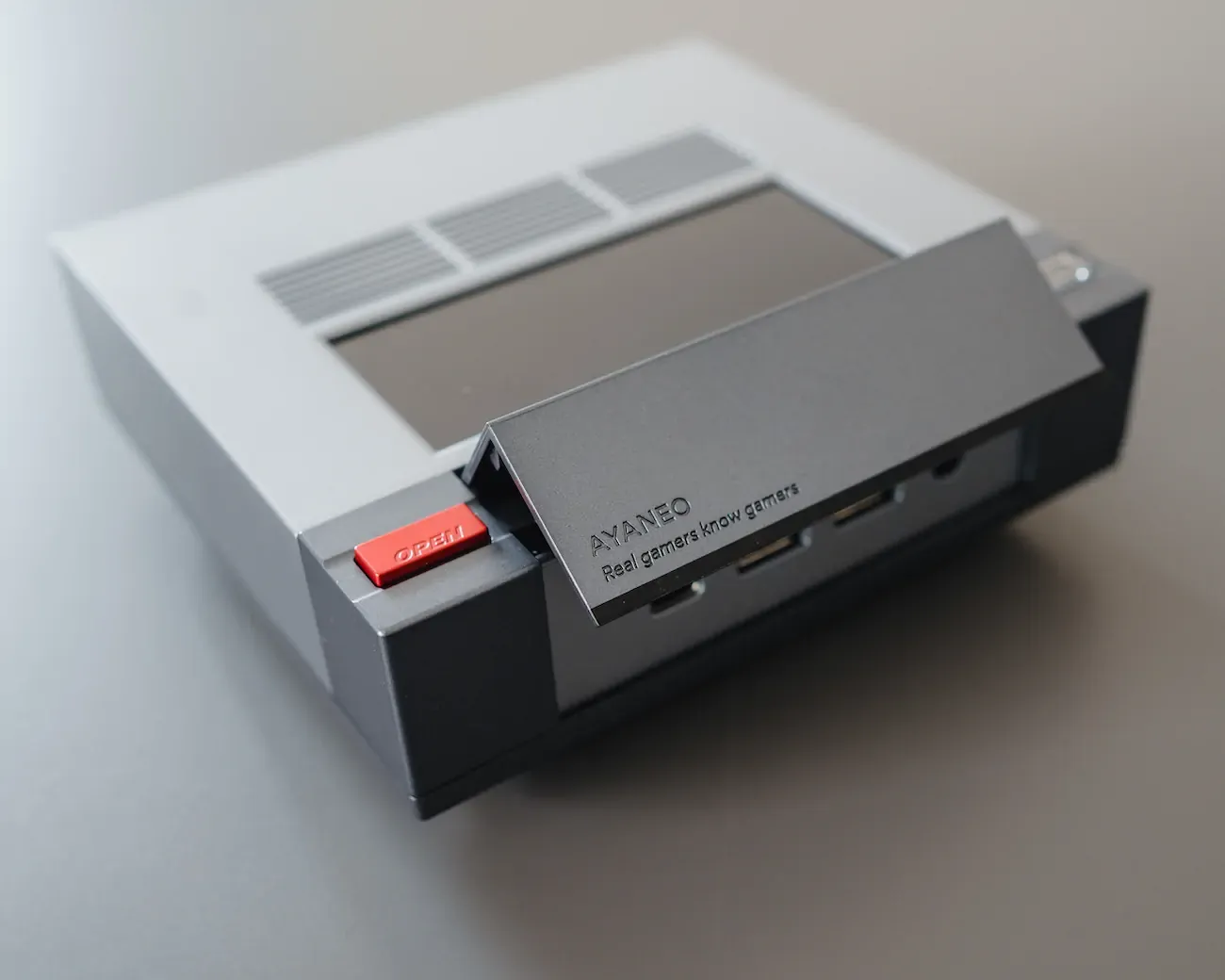
And more importantly, the mini PC was unused. It originally served as a machine for Bazzite, but since upgrading my PC, I connected a 10-meter active HDMI cable directly from my PC to the TV, making the AM02 unnecessary.
So I repurposed the AM02 into this home server, naming it Hebe.
Currently, it's living in my mini server rack (yes, I have a server rack), connected directly to my router, which itself is connected via a switch to several RJ45 plugs spread throughout my apartment.
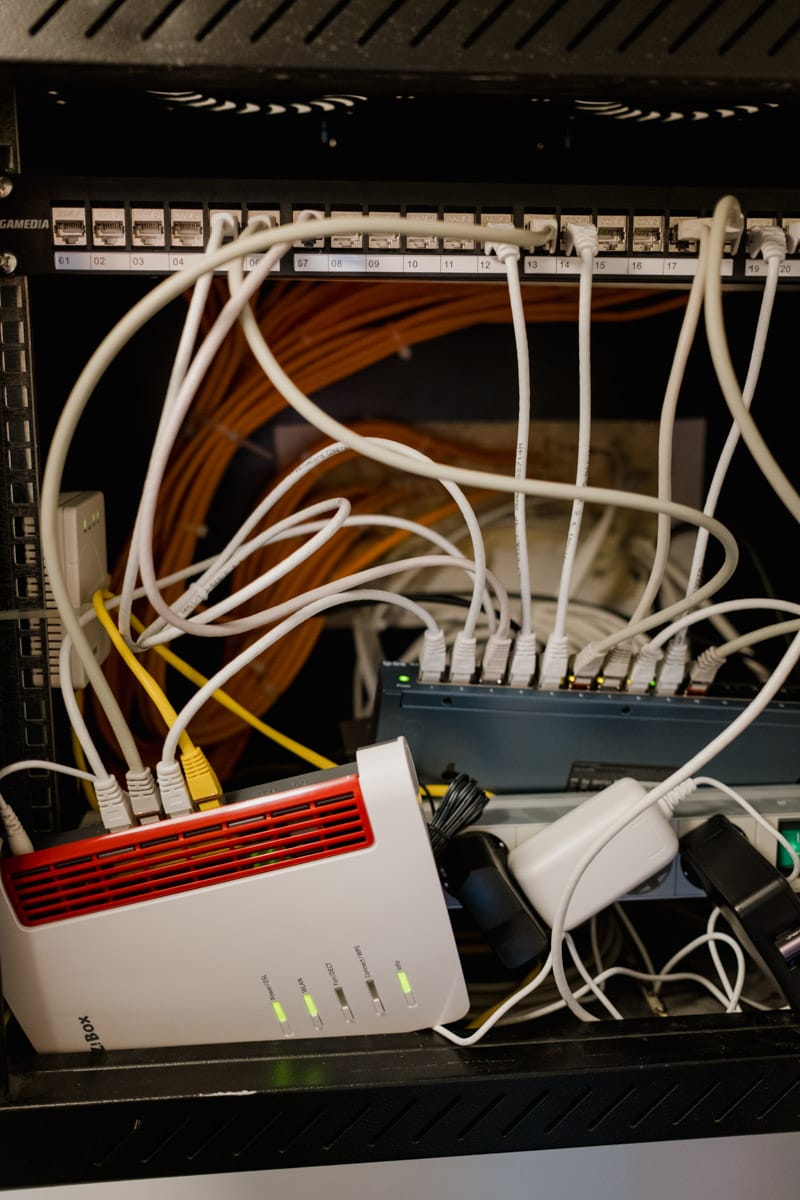
(I need some upgrades for the server rack because right now it’s a cable disaster.)
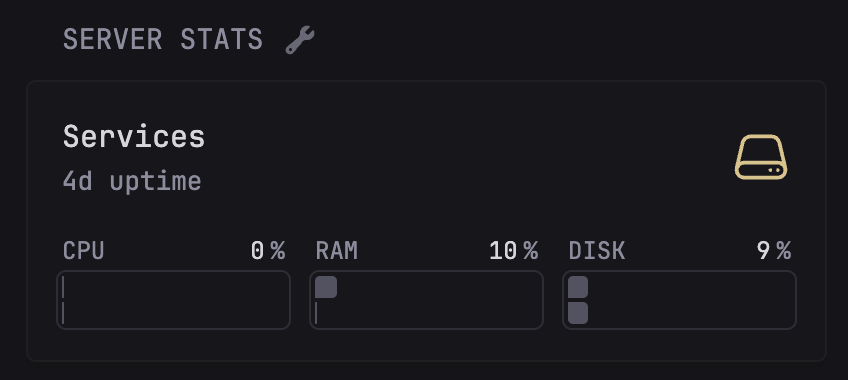
It runs mostly silently, and if the graphs in Glance are to be believed, it barely uses any power.
Currently, I’m running the machine as is, but I plan to connect some sort of enclosure to the USB4 port so I can attach multiple external hard drives and expand the storage that way.
The goal is to transform this into a NAS-like system down the line, basically having many terabytes of storage available on my devices thanks to the power of the cloud™. Then I’ll start thinking about backups. (As of now, I run exactly 0 backups. Don’t @ me.)
The System
As mentioned, we used the latest stable version of Ubuntu (at the time of writing, it was 25.10) without a GUI. This means the PC is only usable via the command line, which officially makes me a hacker and a protagonist in Mr. Robot.
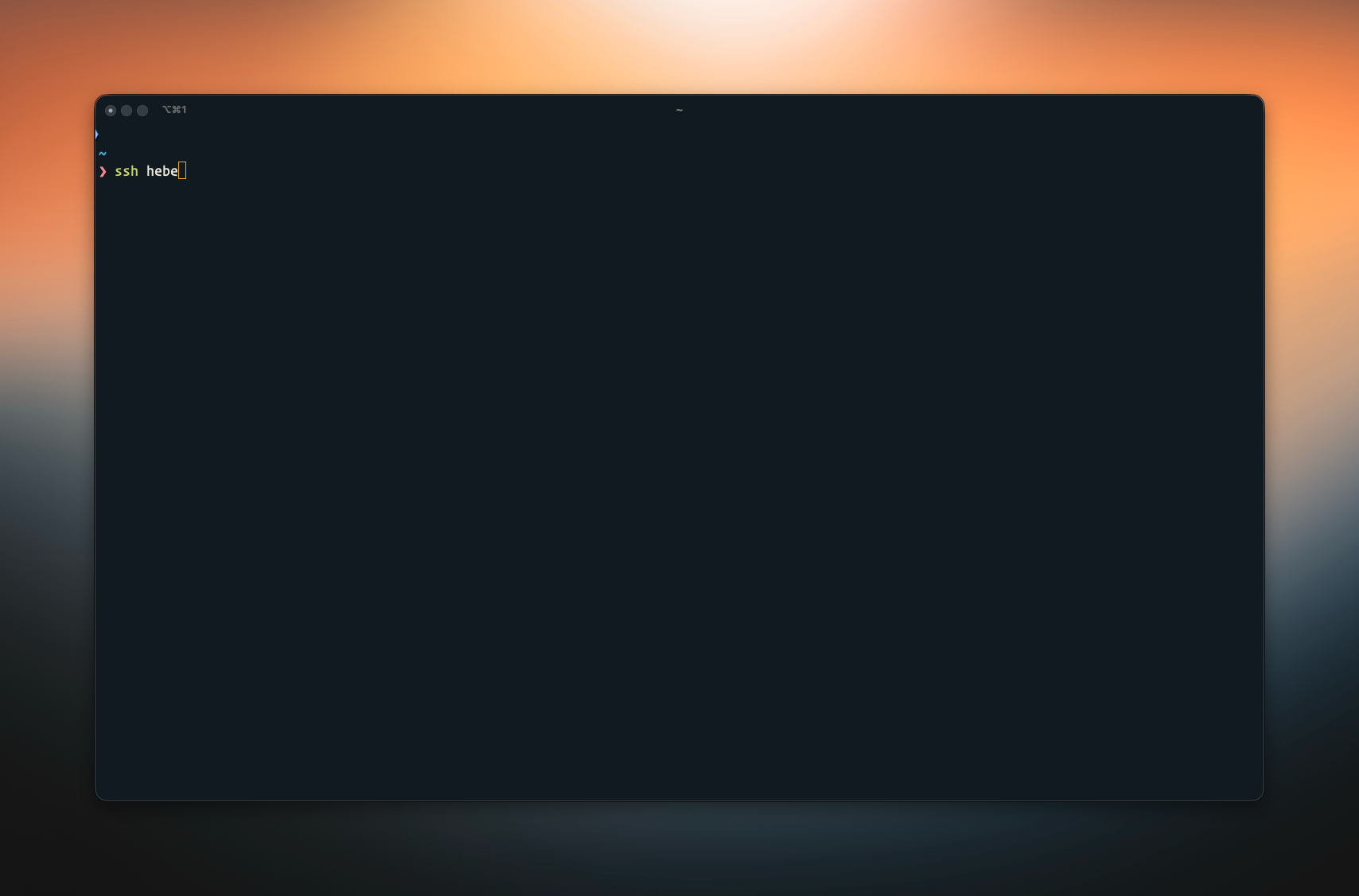
I primarily use the home server by connecting to it from my Mac via Tailscale and SSH. I was previously unaware of Tailscale, but this might just be the coolest app ever.
In essence, it makes all your devices think they’re on the same Wi-Fi, no matter where you are. Even if you’re not at home, or not even on the same continent, you have access to all your devices.
Tailscale is such a great tool that I’m planning to install it on my gaming PC and see if I can use it to transform the PC into my own little GeForce NOW machine using Sunshine and Moonlight.
With Tailscale, I should be able to stream games from the PC to any of my handhelds, even when I’m not home. I’m going on a trip to France in a few weeks and will definitely test this setup.
One more nerdy thing: I set up Hebe as an exit node, so I’m hosting my own VPN tool. Whenever I connect to public Wi-Fi and my paranoia kicks in, I just click one button, and boom, protected surfing.
I might even use the Mullvad integration down the line, but the point of this setup is to have fewer monthly subscriptions, not more.
The Apps
All the web apps I’m running are installed through Docker. Docker was one of those tools I had heard of often but never got around to using. It lets you run apps in little, easily installable containers so they don’t mess with each other. docker compose is my new best friend.
As for tools, here’s what I have installed:
- Immich: Before installing Immich, my photos were split between Apple Photos (mainly snapshots and screenshots) and Lightroom. Now, all the images I actually deem good live in Immich.
- Pi-Hole: An ad blocker that lives before the browser.
- Glance: A customizable dashboard that I set as my browser start page.
- Calibre-Web-Automated: A better version of the online book library management thing.
- Caddy: This allows me to create domains for the different apps.
- OpenWebUI: While I think AI is a bane to creativity, it can be a boon to productivity. This lets me play around with different models without creating accounts for every platform. I connect OpenWebUI to OpenRouter.
I run all services through a reverse proxy (thanks to Caddy), which means I don’t need to remember IP addresses and port numbers. Instead, I have a bunch of domains that are only reachable if you’re part of my tailnet (that's what Tailscale calls its network thingy). So I type something.example.com and end up on the web app instead of typing 123.456.789:8080.
There are more things I’d like to install later, some just to mess around with, others because they seem genuinely useful, for example romM.
This might even become its own guide since romM is a ROM manager that integrates directly with Android, Playnite, and muOS, which fits nicely with all my handheld reviews on overkill.
Right now, I mostly use Hebe to host my photo library, block ads, and pretend I’m running my own data center. (And feeling generally like a hacker. Never underestimate the fun you can have doing stuff like this.)
What's Next
The goal of this whole thing was twofold: do something cool because I can, and start replacing some of my countless ongoing subscriptions with self-hosted alternatives.
For example, I’m currently looking at icloudpd, a tool that downloads all the images in your iCloud library and then either keeps a copy or deletes them off iCloud. That way, I could downgrade my paid storage from 2 TB to 200 GB.
But there’s one more thing I want to do:
Playing around with this setup has awakened my inner nerd, and I want to explore Linux much more. The last time I mained a Linux version was over 15 years ago, when I fried my Windows install and was so fed up that I ran openSUSE and Linux Mint for a few months. Then I bought a Mac and never looked back.
But between playing around on the Steam Deck, installing Bazzite on a bunch of devices, and now this project, my interest in Linux has only grown. Add to that the fact that macOS Tahoe looks terrible, and Windows is only good as a gaming platform, trying Linux might actually be a viable option. Especially since about 80% of my work happens in a browser.
So, as I’m writing this, I’m downloading some Linux-distros to the mini PC and plan to use the untapped power of the 7840U (since the web apps I’m running barely tickle Hebe) to run a virtual machine I can connect to when I’m on the go.
As mentioned, my primary work machine is a MacBook Pro running Apple Silicon, so while I could use Asahi Linux, this method seems like the best of both worlds. When I need something that doesn’t run on Linux, I can switch to macOS, and when I want to feel like Elliot Alderson, I just remotely connect to Hebe.
So 2025 might just be my year of Linux on the Desktop.
Or at least the year of pretending I know what I’m doing.
And if it all breaks tomorrow, at least I’ll have a story.