


I will start this review by mentioning something other reviewers have mentioned previously: The ASUS ROG XBOX Ally X is not an Xbox. It doesn't run proper Xbox games, so there is still no official way for me to re-experience Fable 2 and Fable 3. It also runs real, proper Windows 11, and even if Microsoft made a dedicated version for this handheld, the OS still gets in the way, a lot.
If you expected a real handheld Xbox, stop this review, because this device is not for you.
But here's the thing. While Microsoft still has a long way to go to make this device as smooth an experience as, say, a Steam Deck, ASUS has built a piece of hardware that is an absolute machine. I'll spoil this review right from the get-go and will say this: the ROG XBOX Ally X is the best handheld you can currently get, hardware wise.
This is because the ROG XBOX Ally X is actually more like an ROG Ally X 2. Bigger battery, better performance, better grips, and USB4 all packed into the same footprint.
If ASUS named it Ally X 2, I think people would report much more positively about this handheld.
Hardware love letter
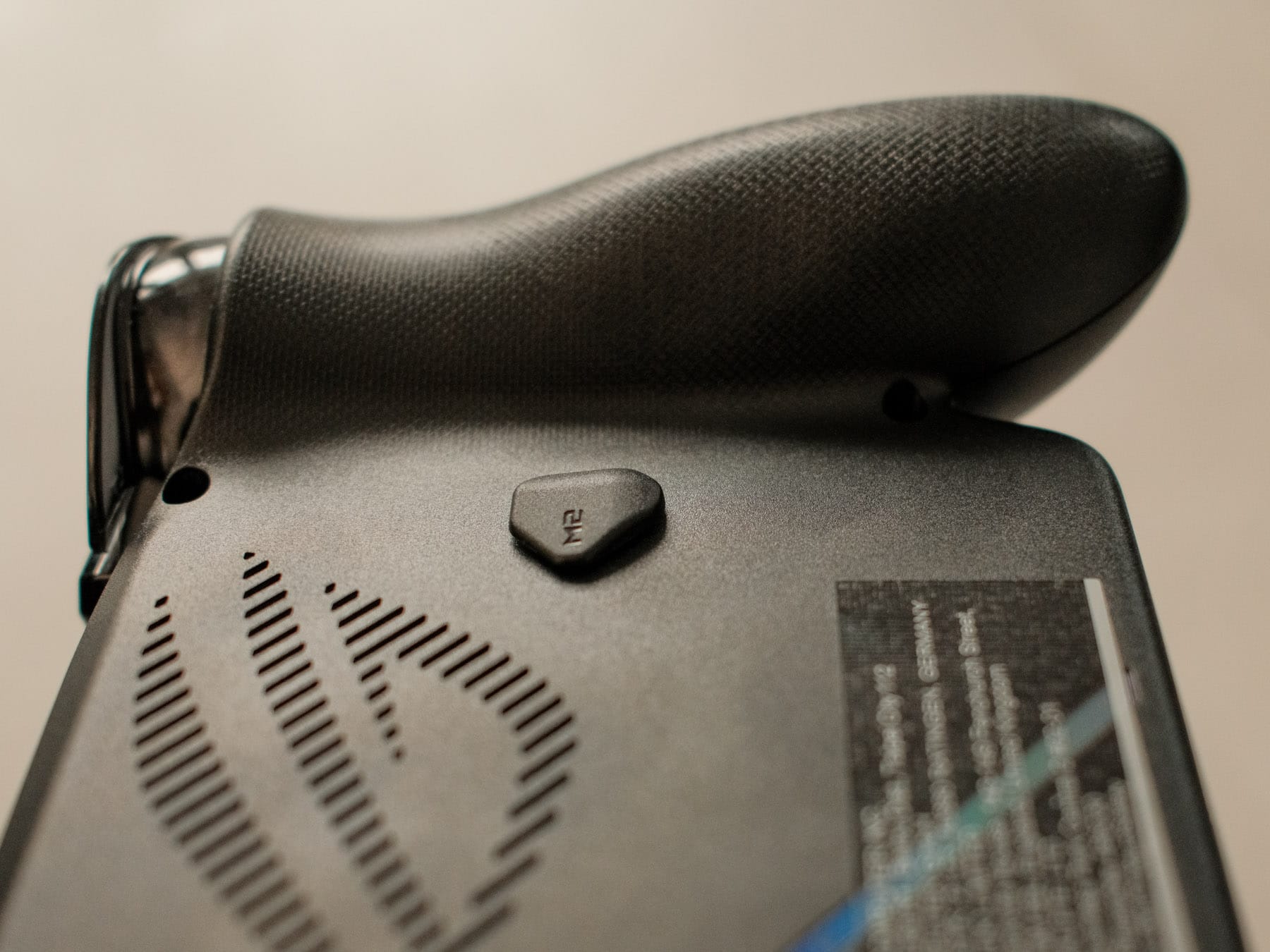
The ergonomics on the XBOX Ally X are much improved. While it may look a bit weird, having these prongs attached to the side brings the experience much closer to an Xbox Elite controller. (But during the whole duration of the review, except for the pictures, I had it in a Killswitch case. I didn't want to risk scratching a loaner unit.)
It also helps weight distribution, so two-hour gaming sessions no longer wreck my wrists like they do on other handhelds. I mentioned it here and there before, but I suffer from cubital tunnel syndrome (my pinky and ring finger on both hands get numb after a while). I experienced none of this with the XBOX Ally X, like I experience none of this with proper controllers.
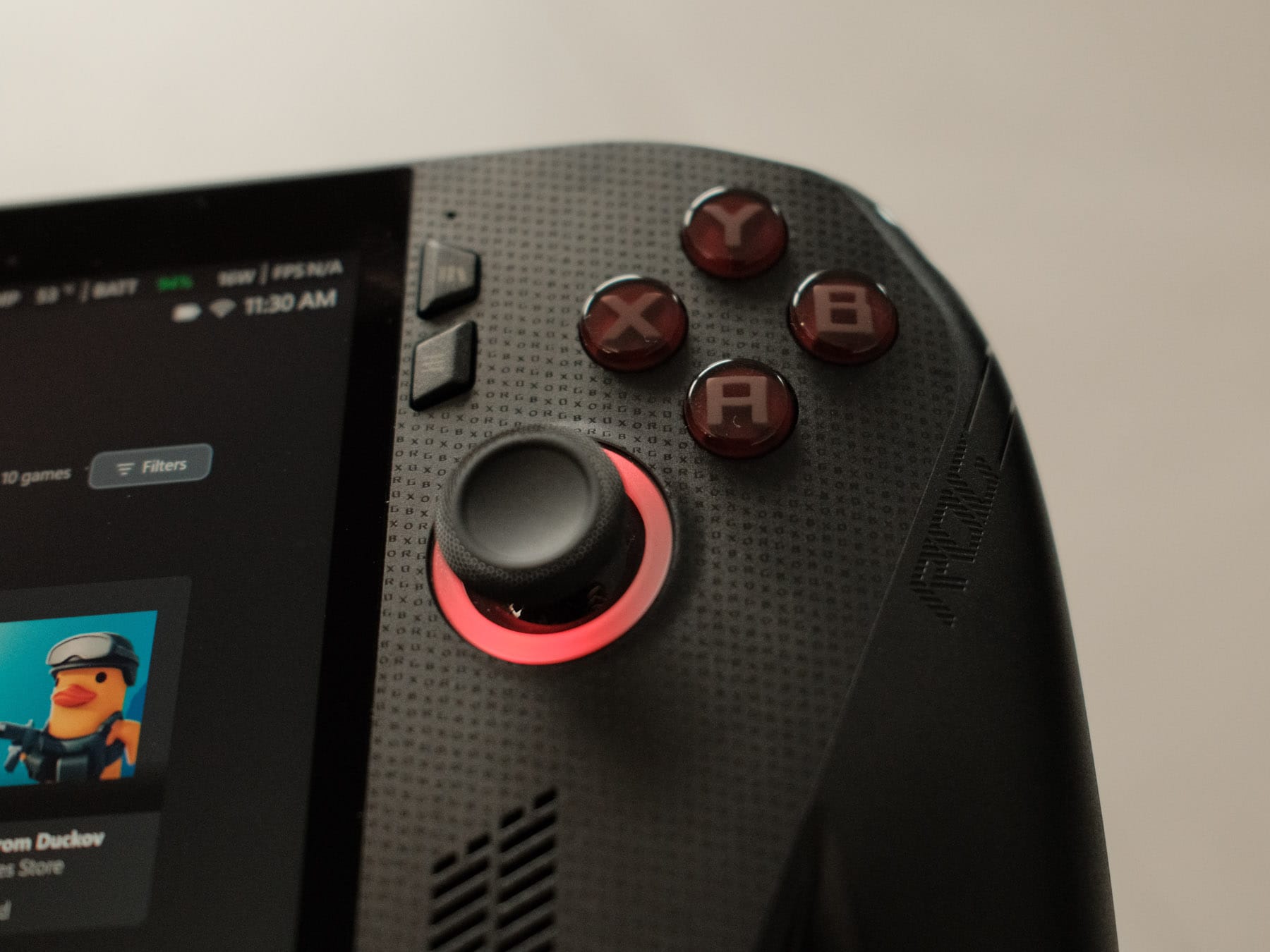
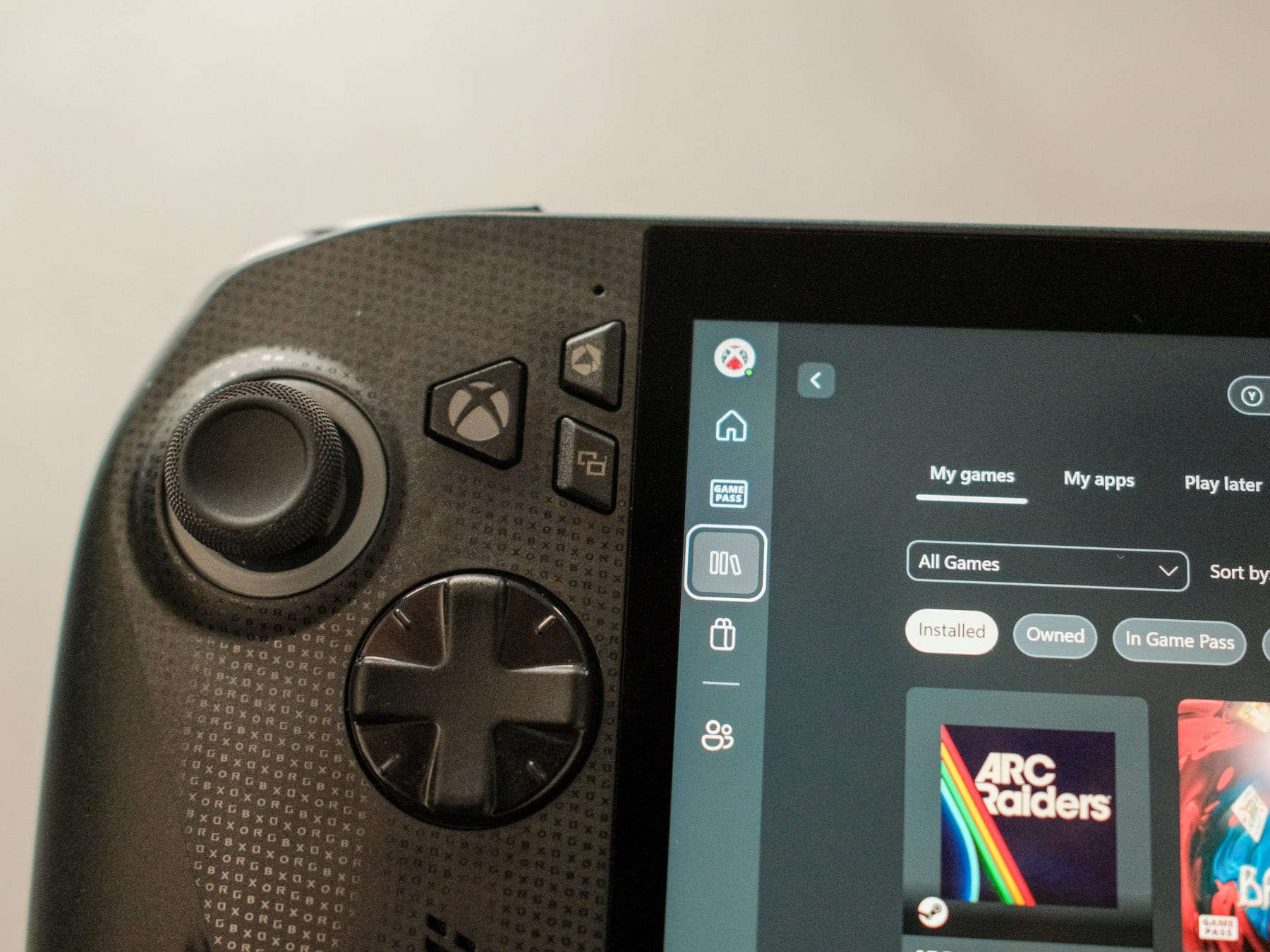
Buttons and sticks are familiar, though there is now an Xbox button, and ASUS changed the position of the Start and Select buttons. My muscle memory hates this.
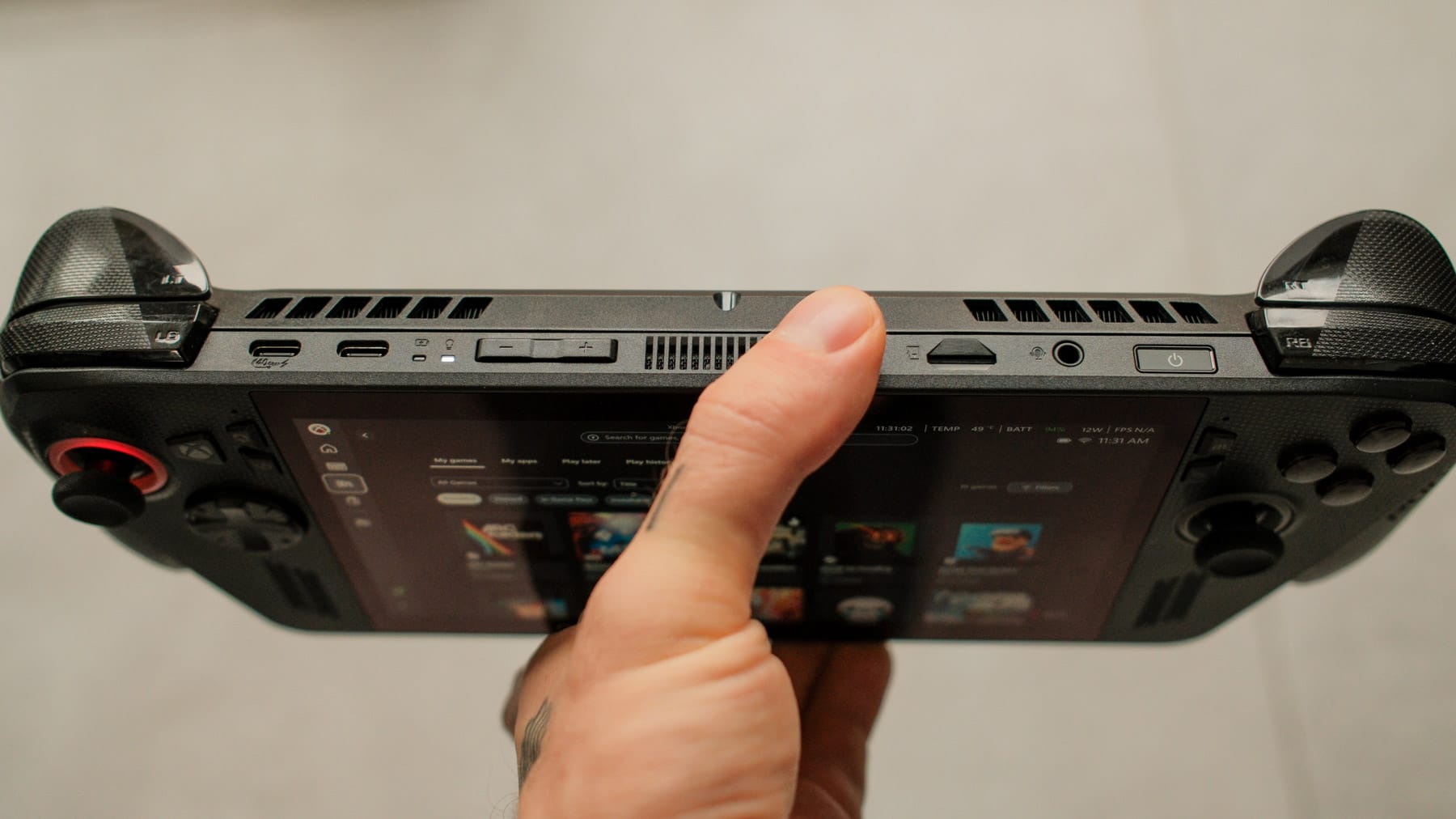
ASUS also ditched the proprietary XG Mobile connector and dropped in proper USB4 so I can hook up eGPU docks made by other manufacturers. There is also a second USB-C 3.2 port, though I wish one was at the bottom.
Specs snapshot:
- AMD Ryzen Z2 AI Extreme APU
- 24 GB LPDDR5X-8000 memory
- 1 TB NVMe SSD with a standard M.2 slot
- 80 Wh battery in a 1.5 pound (ca. 680 g) shell
- 7-inch 1080p, 120 Hz VRR display
- $999 in the US
The screen is still LCD. At this price, I wish ASUS went OLED like Valve, but the 500 nit panel plus VRR keeps 45 fps runs tolerable. The Verge is right about the bezels feeling chunky, though.
Speakers are loud, clean, and front facing, but I ended up mostly using headphones.
Performance and thermals
I'm not usually into benchmarks and FPS-shenanigans. My way to experience hardware is basically by checking two things: does it run smoothly, and does it look good? And the handheld checks both.
But since people are into it, here is what I figured out:
Turbo mode at 35 W runs Cyberpunk 2077 at 1080p Medium with FSR on Balanced in the mid 50s. Drop down to the 17 W Performance profile, and you still hover around 40 fps while fan noise stays quiet.
Light indies are bonkers efficient. Lock Hollow Knight to 60 Hz and I can coast for eight to nine hours. Flip those same games to 120 Hz and I lose roughly three hours, which is still fine for most situations.
Mid-tier 3D indies, like Hades 2, live in the four to seven hour range depending on settings. Silent mode at 9 W handles the lighter stuff, while the 17 W Performance profile keeps the bigger roguelikes running around 60 fps without nuking the battery.
Big AAA titles average 45 to 60 fps at 900p–1080p in Performance mode, with just about three hours of battery. Kick the handheld into the 25 W turbo preset, and you get a locked 60 fps for roughly two hours and change, which is the lowest number I’ve seen off-wall. Plugged in at 35 W, you can wring about 24 percent more performance than the original Ally ever managed.
Compared to the Steam Deck OLED, the XBOX Ally X still sips more power per watt, but that 80 Wh pack means that at shared 720p/30 targets I usually get 30 to 45 minutes more runtime. Or, more fun, I hold higher resolutions and frame caps for the same two-hour window the Deck spends at Medium settings.
Emulation mirrors that split: PS2/Game Cube/Wii U sit between three and six hours, Switch around three, and anything older than a Game Cube feels like it runs forever as long as you lock the panel at 60 Hz.
And if you compare it to the Z1 Extreme (I own an original ROG Ally), I see about 30% better performance.
Thermals are fine once you accept that Windows handhelds are louder than the Steam Deck OLED. ASUS isolated the heat pipes away from the grips, so palms stay cool even if the exhaust sounds like a desk fan when Turbo kicks in.
Sleep
The 80 Wh battery finally makes this a travel buddy instead of a “keep the charger plugged in” experiment.
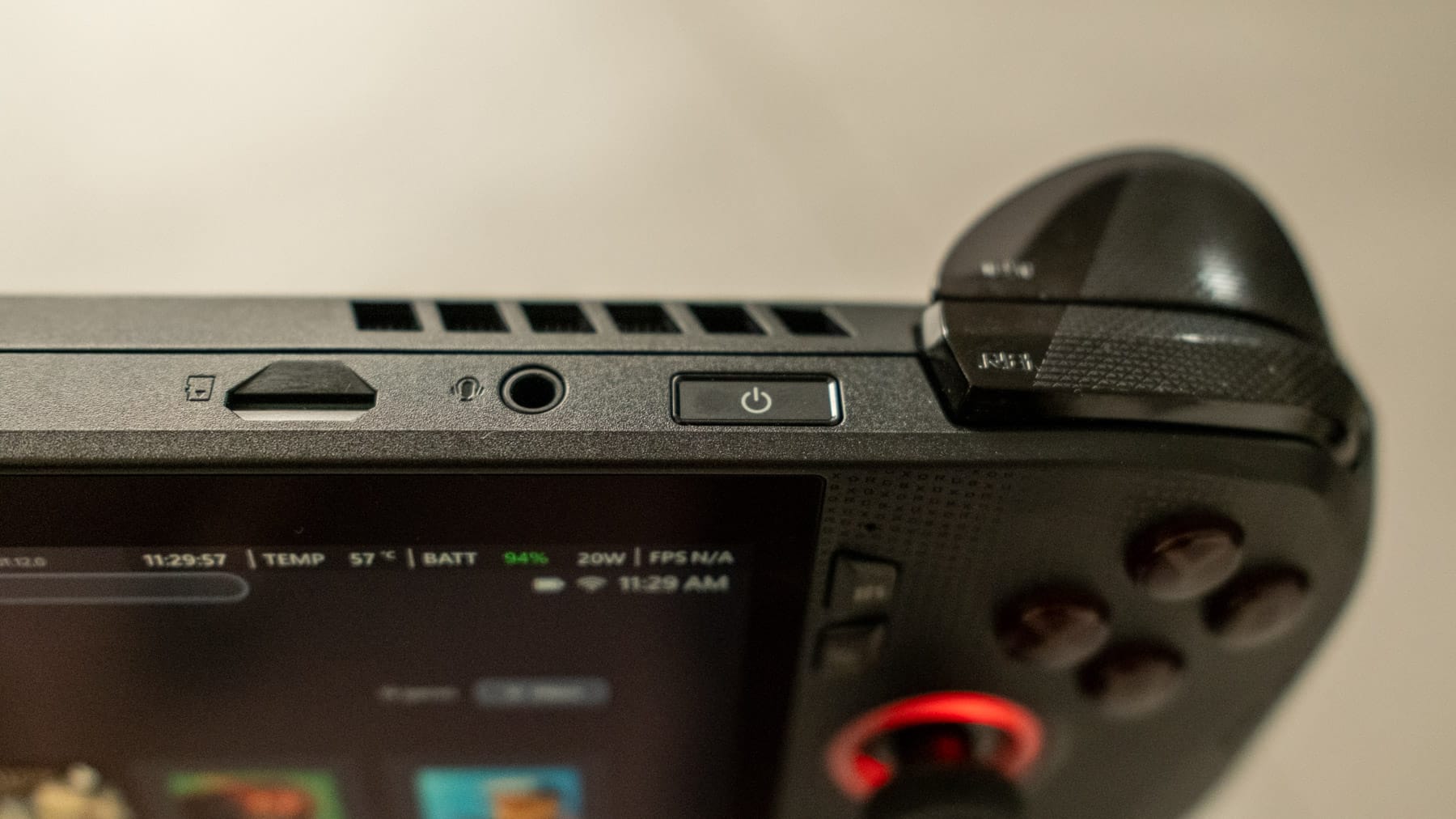
But to me, the biggest improvement is the sleep function. Hitting the power button finally puts the device to sleep like on a Steam Deck, and there is barely any perceivable power drain on standby.
It now feels safe to toss the Ally X into a backpack for a full day without discovering a dead handheld later. I routinely let it sit for 24 hours and the battery dropped maybe one or two percent. Resume is instant, Wi-Fi, and controllers reconnect without drama, and it no longer wakes just because Windows wants to run an update in the background.
Windows 11: better, but still Windows
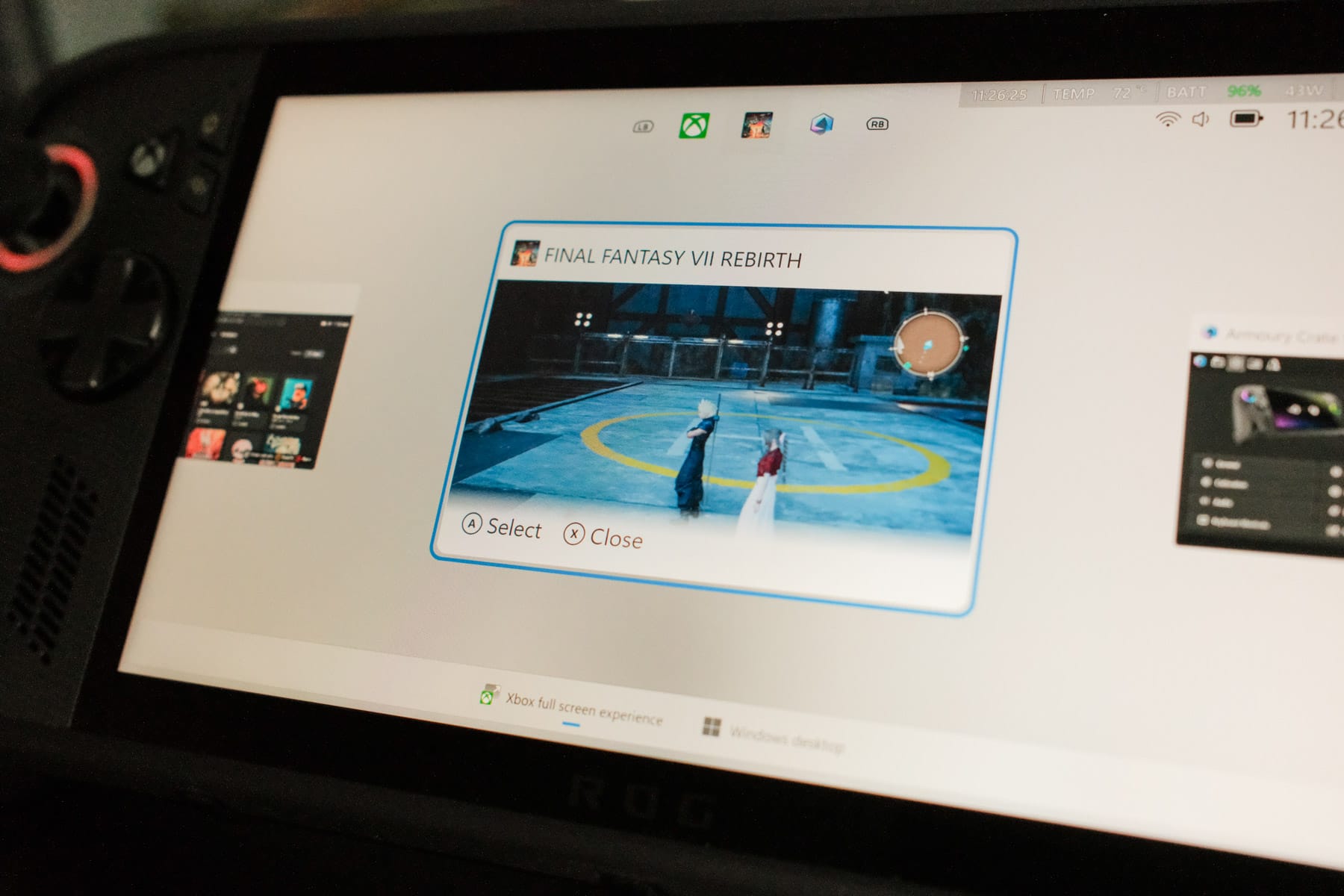
Microsoft’s new Xbox Full Screen Experience boots straight into a controller-friendly UI, keeps the desktop closed, and kills a handful of background processes. Task Manager shows lower idle watt draw than the first Ally, so you get a little extra thermal headroom. It feels closer to a console shell than any Windows handheld I have tried. This shell also shows games installed through other launchers like Steam or Epic Games. And games installed through the Xbox Store even tell you if they work on a handheld or not.
But it is still Windows. My first Epic Game Store install pretended nothing was happening until I booted to Desktop mode to find a hidden UAC prompt.
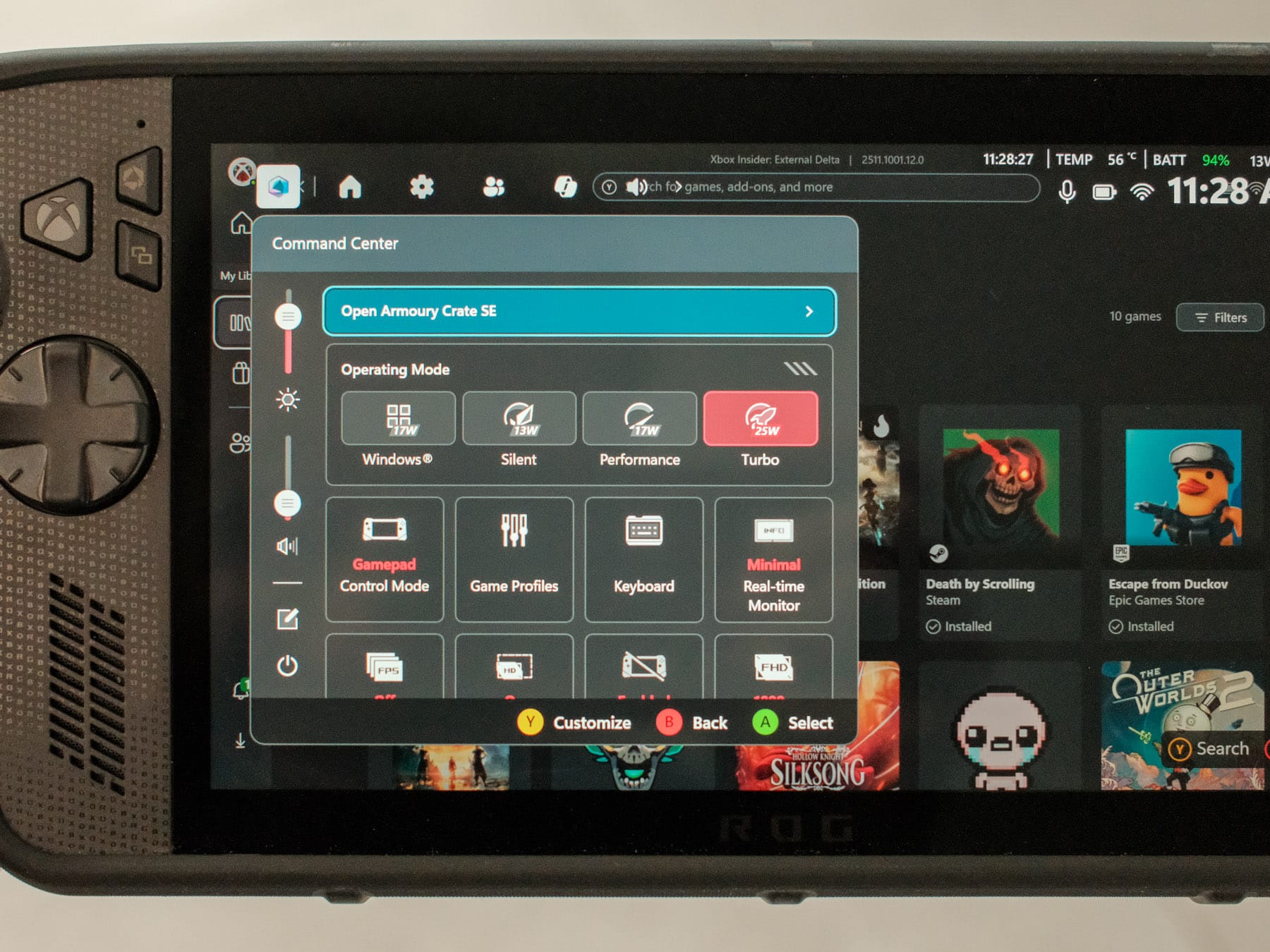
I also find it weird that you can change the same settings in both the Xbox Game Bar thingy and the ASUS Control Center.
What makes it worse is how often those two overlays get out of sync. I’ll tweak wattage or refresh rate in Armoury Crate, hit the Game Bar shortcut for a quick check, and find a totally different value highlighted. Sometimes one widget freezes while the other still responds, which means I am digging around multiple menus for the same toggle. Having two layers that both control TDP, fan curves, and brightness feels redundant at best and confusing most of the time. So I ended up only relying on Armoury Crate.
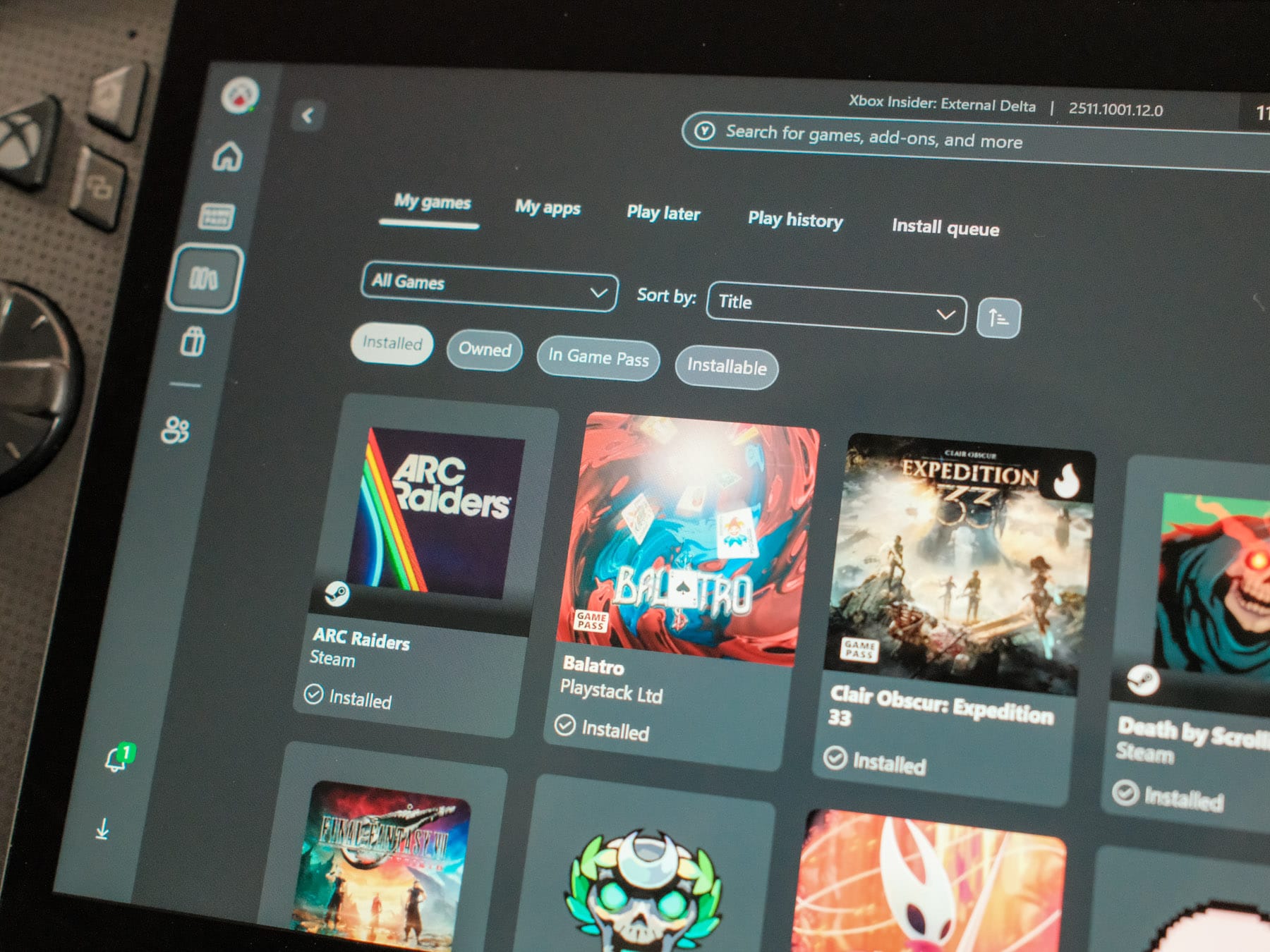
And yet, I am still sticking with Windows anyway. Game Pass is a thing that I rely on too much, anti-cheat systems behave better here (or at all), and it's much easier to install games from other stores.
But SteamOS is still smoother. In fact:
Plenty of reviewers wiped Windows and installed Bazzite. They reported smoother UI animations, better battery readouts, better performance(!) and better suspend behavior. I couldn't test this myself, though, since I had to send this device back.
Price and competition
$1000 is a lot. For that money you could buy a gaming laptop or a Steam Deck OLED plus a pile of backlog purchases. The cheaper white Ally still exists at $599, yet it lacks the 80 Wh battery, extra RAM, and has a weaker chip that underperforms even the Steam Deck. I haven't tested it myself, but other reviewers can't recommend that device.

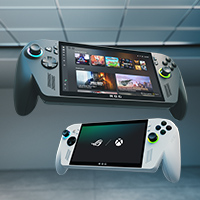
And if you buy a Steam Deck, you'd get a much more mature experience. My advice mirrors The Verge’s warning: what you'll get for $999 is a beta experience. If you cannot handle Windows bugs, wait a few months.
But that beta experience is all due to Microsoft. What that $999 also gets you is the most capable handheld currently on the market. Whatever game you throw at it, it works.
So, in essence, twenty-one days were not enough. I mailed the loaner back and immediately missed the device because the hardware is that good. And also, because my to-do list was still long. (I haven't properly installed EmuDeck yet, didn't try Bazzite, and haven't experienced any major Windows updates; there was such an updated after I packed the device.)
And the software, I believe, will just improve. Just remember the rough state the Steam Deck launched in a couple of years ago, and how quickly that platform matured within a year.
I really do think the ROG XBOX Ally X will follow the same arc: cumbersome at launch, much improved once Microsoft’s updates land. And maybe Microsoft can figure out how I can play Fable 2 and Fable 3, natively.